Automation agencies sell the promise of eliminating manual work. But the irony is that most of the actual workflow building is still done manually - dragging nodes, configuring fields, debugging JSON paths, one connection at a time.
Claude Code changes this equation. Not by replacing you, but by turning 3-hour wiring sessions into 10-minute conversations. Here is exactly how it works, what tools you need, and what to expect.
What Makes Claude Code Different for Automation Work
Claude Code is Anthropic's CLI tool that operates as an autonomous agent in your terminal. Unlike ChatGPT or Claude.ai (which generate text you then have to act on), Claude Code can actually reach into your tools and do the work.
The mechanism that makes this possible is called MCP (Model Context Protocol). MCP servers are plugins that give Claude Code direct access to external tools - your n8n instance, your Make.com account, your CRM, your databases. Instead of generating a JSON blob for you to paste somewhere, Claude Code connects to the tool and builds workflow automations in real-time.
The n8n Integration: Most Mature in the Ecosystem
The n8n ecosystem for Claude Code is the most developed, built around two complementary tools.
n8n-MCP Server
The n8n-MCP server gives Claude Code access to:
- 1,396 n8n nodes (812 core + 584 community)
- 2,709 workflow templates with full metadata
- 2,646 pre-extracted node configurations
- 265 AI-capable tool variants
You can install it via npx, Docker, or use the hosted version with a free tier of 100 calls per day.
n8n-Skills
The n8n-skills package adds seven companion skills that teach Claude Code the patterns that generic LLMs consistently get wrong:
- Expression Syntax - correct
{{}}patterns and$json.bodygotchas - Workflow Patterns - 5 architectural approaches (webhook, HTTP API, database, AI, scheduled)
- Node Configuration - operation-aware setup and 8 AI connection types
- Code JavaScript - proper
[{json: {...}}]return format and the top 5 error patterns - Validation Expert - interpreting and fixing validation errors
- MCP Tools Expert - nodeType format differences across tools
- Code Python - limitations awareness (use JS for 95% of cases)
How It Actually Builds Workflows
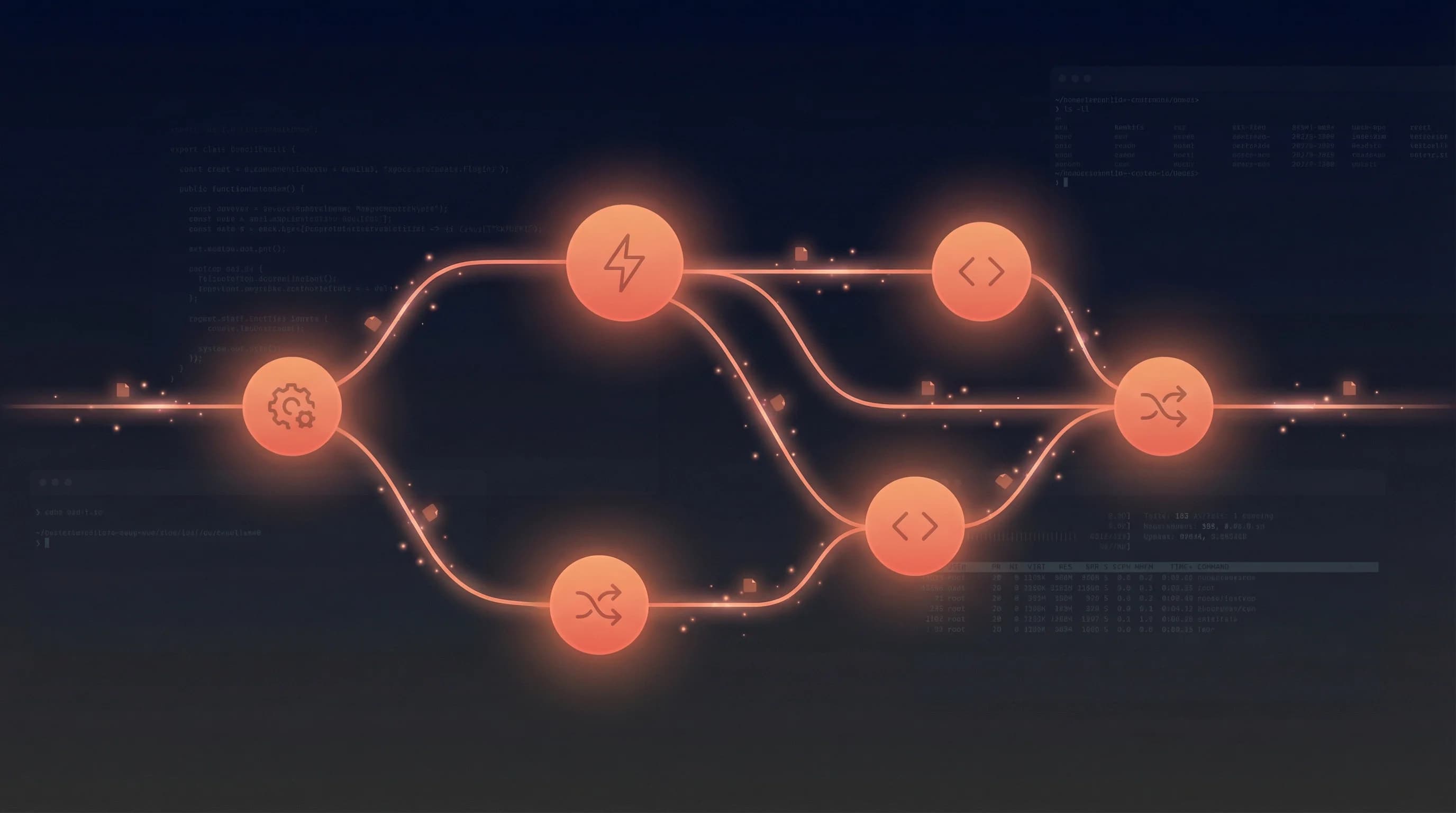
This is the important part. Claude Code does not generate a workflow JSON file for you to import. It builds workflows node-by-node through the MCP connection:
- Connects to your n8n instance via API
- Creates each node and configures its parameters
- Tests each node immediately after adding it
- Reads error messages and self-corrects on failure
- Only moves to the next node after verification
- Deploys the complete workflow atomically
This build-and-verify loop is what makes the output reliable enough to actually use.
The Make.com Integration: Catching Up Fast
Make.com has two MCP server options:
Official Make MCP Server
The official server by Integromat transforms Make scenarios into callable tools. It connects to your Make account, identifies "On-Demand" scheduled scenarios, and lets Claude Code trigger them with parameters.
Community Make MCP Server
The community version by Danish Ashko is more ambitious:
- Module Search - access to 200+ Make.com modules
- Template Discovery - search 500+ pre-built scenario templates
- Auto-Healing Validation - catches and fixes LLM-generated blueprint errors automatically
- Direct Deployment - creates scenarios directly in your Make.com account
The auto-healing validator is the standout feature. It injects missing metadata, adds designer coordinates, strips unsupported properties, and fills missing parameters with sensible defaults.
The Honest Truth: The 40-50% Rule
After reviewing builders who have used Claude Code across 40+ workflows, here is the realistic picture:
Claude Code generates workflows that are roughly 40-50% production-ready.
Before you dismiss that number, consider what it represents. That 40-50% is the skeleton - correct nodes in the right order, basic data flow, webhook configuration, API endpoint structure. This is the tedious-but-not-hard work that takes 3 hours and teaches you nothing.
The remaining 50-60% is the work that requires your expertise:
- Field mapping for specific data shapes
- Edge case handling
- Credential management
- Error recovery logic
- Business rules specific to the client
5 Practical Patterns for Agencies
Pattern 1: Requirements to Deployed Workflow
Client brief → Claude Code generates PRD → You review →
Claude Code builds n8n workflow via MCP → Test each node →
Visual review in n8n UI → Deploy
Feed discovery call notes or a client brief to Claude Code. It generates a structured Product Requirement Document. You review and approve. Then Claude Code connects to n8n and builds the actual workflow. Total time from brief to working prototype: under an hour for most standard patterns.
Pattern 2: Custom Code Node Factory
This is the highest-frequency use case for experienced builders. Every n8n workflow needs data transformation between nodes - parsing webhook payloads, reformatting for APIs, calculating derived fields.
Instead of writing each code node manually:
Seconds instead of minutes for each code node. Across a complex workflow with 5-8 code nodes, this adds up fast.
Pattern 3: Debugging Webhook Payloads
Copy the webhook payload and error from your n8n execution log. Paste to Claude Code. It identifies the JSON path issue immediately.
This saves the most time on integrations with messy, nested API responses - CRMs, payment processors, and any API that nests data three levels deep with inconsistent naming conventions.
Pattern 4: The Credential Template Trick
From Ability.ai's production setup: create a "dummy" n8n workflow with pre-configured credentials for each client. Claude Code references this template to inherit the authenticated connections.
Benefits:
- No API keys exposed to the AI
- Clean separation of concerns
- Works across all credential types
- Easy to revoke access
Pattern 5: Client Documentation Generator
After building a workflow, export the JSON and feed it to Claude Code:
"Document this workflow for a non-technical client. Include: what it does, how to monitor it, what could go wrong, and how to fix common issues."
You get a delivery document in 2 minutes that would take 30 minutes to write manually. This is pure margin improvement.
MCP Servers Every Automation Agency Should Configure
The value of Claude Code scales linearly with the number of tools it can access. Here are the MCP servers that matter for agencies:
Workflow Platforms
| Server | What It Does |
|---|---|
| n8n-MCP | 1,396 nodes, workflow CRUD, validation, templates |
| Make MCP (official) | Trigger scenarios, manage Make account |
| Make MCP (community) | 200+ modules, auto-healing, direct deployment |
CRM and Business Tools
| Server | What It Does |
|---|---|
| GoHighLevel MCP | 269 tools across 19 categories (contacts, messaging, sales, calendars, invoicing) |
| Airtable MCP (official) | Record CRUD, search, data analysis |
| Google Sheets MCP | Read/write cells, formulas, batch operations |
| HubSpot (via Composio) | Contacts, deals, companies, tickets |
| Slack MCP (official) | Read channels, send messages, search |
Development
| Server | What It Does |
|---|---|
| GitHub MCP | Repos, PRs, issues, actions |
| PostgreSQL MCP | Natural language database queries |
| Playwright MCP | Browser automation for testing |
The Agency Operating System
The agencies getting the most leverage from Claude Code are building what I call an Agency Operating System - a layered configuration that makes every session start with full context.
Layer 1: CLAUDE.md
Your project instructions file. Include naming conventions, folder structures, tool preferences, common workflow patterns, and client-specific rules. This is the difference between Claude Code generating a workflow called "Untitled" and one called client-stripe-webhook-to-hubspot-deal-v1.
Layer 2: MCP Servers
Your connections to the outside world. n8n, Make, GHL, Airtable, Sheets, Slack, GitHub. Each connection transforms Claude Code from a text generator into an operator.
Layer 3: Custom Skills
Repeatable operations packaged as slash commands - /build-webhook-flow, /generate-client-docs, /scope-project. Each one encodes your agency's best practices.
Layer 4: Hooks
Deterministic rules that fire at specific points. Auto-format code after edits. Run validation after workflow changes. Send desktop notifications when builds complete. Block edits to production credentials.
Real-World Results
RSL/A Marketing Agency (2-person team) documented their results:
| Metric | Before | After |
|---|---|---|
| Blog production | Full day per post | 2-3 hours per post |
| Client website builds | 1-2 weeks | 1-3 days |
| Email sequences | 4 hours | 45 minutes |
| Monthly automations | 10 | 30 |
| Monthly blog posts | 4 | 12 |
| Simultaneous client projects | 2 | 5 |
Total AI tooling cost: Under $60/month.
Ability.ai reduced mid-market workflow build time from hours to minutes and implemented a production bug fix (PrestaShop integration with 140 erased product variants) in 15 minutes using Claude Code's self-diagnosis capability.
The 80/20 Reality
Here is the part the AI hype cycle ignores.
Only about 20% of automation agency work is building workflows. The other 80% is client education, requirements gathering, ongoing support, and relationship management.
Claude Code dramatically accelerates the 20%. It does almost nothing for the 80%.
This means it makes good agencies more profitable, but it does not turn bad agencies into good ones. The agencies that win will use the time savings to invest more in discovery calls, better documentation, proactive monitoring, and the kind of client relationships that generate referrals.
Getting Started: Your First 30 Minutes
- Install Claude Code if you have not already
- Add n8n-MCP:
claude mcp add n8n-mcp -- npx n8n-mcp - Install n8n-skills:
/plugin install czlonkowski/n8n-skills - Configure your CLAUDE.md with your agency's naming conventions and tool preferences
- Try Pattern 2 first - ask Claude Code to write a code node for a data transformation you are currently building. This gives you the fastest proof of value.
- Graduate to Pattern 1 - describe a complete workflow and let Claude Code build it node-by-node via MCP.
The learning curve is about a day. The productivity gain is permanent.
What is Still Missing
A few honest gaps:
- Credential management is awkward - workarounds exist but no elegant solution yet
- End-to-end testing still requires a human in the n8n UI
- Make.com MCP maturity lags behind n8n
- No version control for MCP-built workflows (n8n's database storage problem)
These will improve. The core workflow - describe what you want, Claude Code builds it, you review and refine - is already production-ready.
Claude Code is not replacing custom AI agent engineers. It is making the good ones dramatically more productive. The tedious half of the job is going away. The valuable half remains stubbornly human. For agencies, the math is simple: same team, double the output, better margins. The only question is how fast you adopt it.