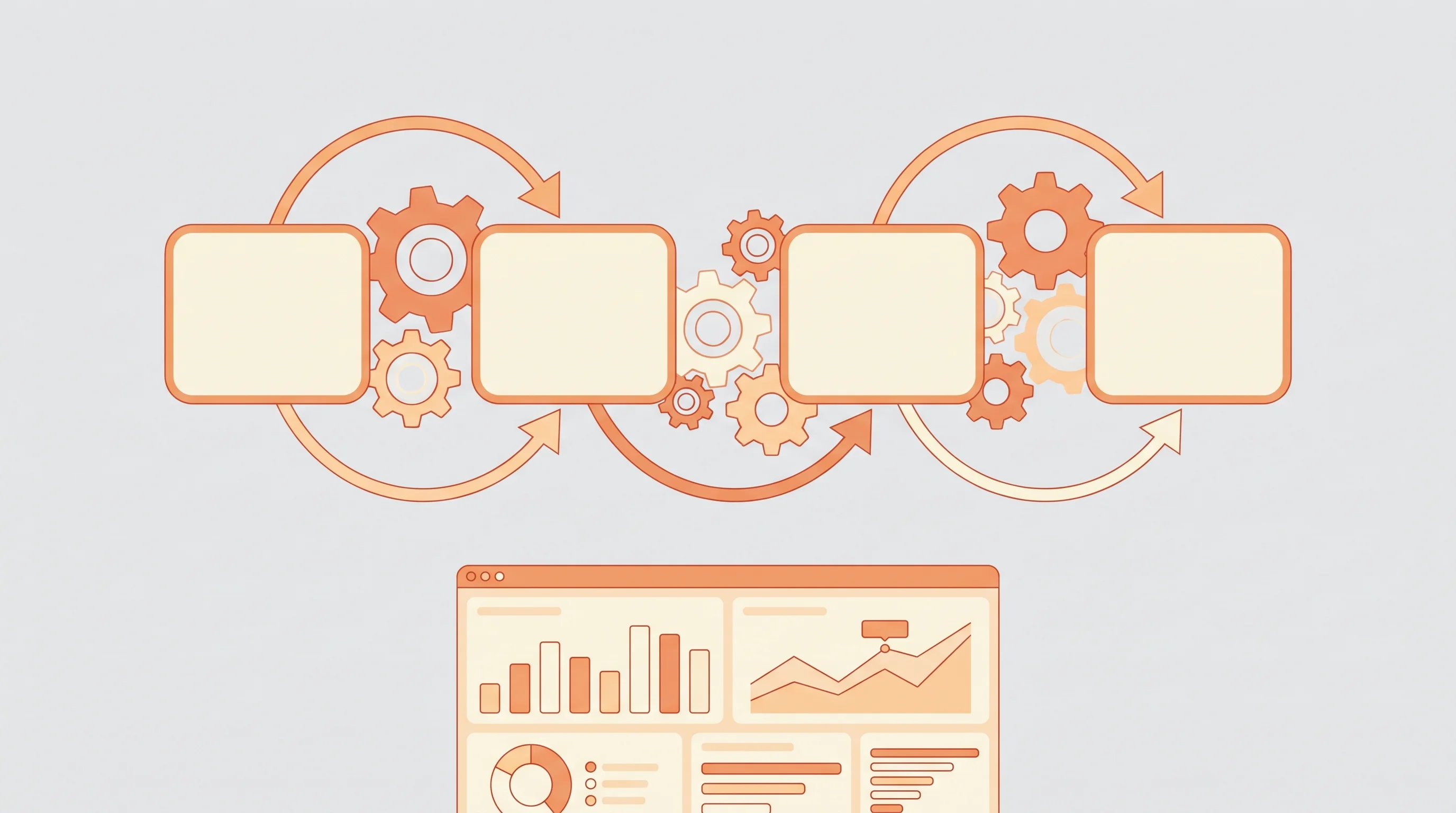
Picture a build with one main workflow and six sub-workflows handling lead scoring, enrichment, and CRM sync, each called by the Execute Sub-workflow node every time a new lead comes in. Before sending a quote, it's tempting to multiply: a thousand leads a month, times seven workflow runs per lead (one parent plus six children), for "7,000 executions a month."
That math is wrong, and it's wrong in the specific way most n8n pricing explainers let you get wrong. n8n's own documentation on execution counting is clear that sub-workflow calls do not bill separately.
The real number for that build is 1,000 executions a month, one per lead, comfortably inside the cheapest paid tier instead of pushing toward a Business plan nobody needed.
What each n8n pricing tier actually includes
n8n's pricing page lists five tiers once you count the free one. Billed annually, the numbers are straightforward:
- Community (self-hosted): Free, unlimited executions, unlimited workflows, unlimited users, per n8n's own pricing page.
- Starter (cloud): 20 euros a month, 2,500 executions a month, 5 concurrent executions, 1 shared project, 7-day log retention, forum-only support.
- Pro (cloud): 50 euros a month, 10,000 executions a month, 20 to 50 concurrent executions, 3 shared projects, 30-day log retention, API access included.
- Business (self-hosted only today): 667 euros a month, 40,000 executions a month, 6 shared projects, SSO and LDAP, version control, queue mode.
- Enterprise: Custom pricing, custom execution volume, unlimited shared projects, external secret store, audit logging, and dedicated SLA support.
Every tier, including Starter, includes unlimited active workflows and unlimited users. The only thing that scales the price up is execution volume and the enterprise-grade features layered on top of it, not headcount.
That's a meaningfully different shape than Zapier's per-task billing or Make's operations-based credits, where adding users or steps inside a single run can move the bill on its own.
What actually counts as a billable execution
This is the part that decides whether your estimate is right or wrong, and it's also where the internet disagrees with itself. Search for the answer and you'll find n8n community forum threads arguing both sides of the sub-workflow question, often citing older behavior that has since changed.
The current, documented answer, straight from n8n's own execution docs:
- One production trigger fire equals one execution. A webhook counts one execution per inbound request. A schedule trigger counts one per fire. A polling node counts an execution only when it actually finds new data, not every time it checks and finds nothing.
- Sub-workflows called via Execute Sub-workflow do not bill separately. Only the parent, top-level execution counts toward your monthly quota, no matter how many child workflows it calls underneath it.
- Manual test runs from the editor don't count. Only automatically triggered production runs hit your quota.
- Error workflow runs are excluded. A workflow configured as another workflow's error handler doesn't consume quota when it fires.
- Manual retries are a documentation gap. n8n's execution docs explicitly exclude test runs and error-workflow runs. They don't say either way whether retrying a failed run from the executions list draws from your quota.
Budget as if retries count, since nothing in n8n's own docs says they don't. A workflow caught in a retry loop, failing and getting manually retried over and over, can burn through an execution allowance the same way a stuck cron job burns through compute.
If you're pricing a client's n8n setup around normal traffic volume, budget separately for what a bad day of retries would cost, not just the happy path.
If you're sizing this for a client build rather than your own stack, our workflow automation team runs this exact execution math against the client's expected trigger volume before quoting a tier.
The sub-workflow question above is the single most common place agencies either overbuy a Business plan they don't need or undersize a Starter plan that gets throttled in week two.
Self-hosting is free software, not a free server
The Community Edition genuinely has no execution cap and costs nothing to download. It does not cost nothing to run. n8n has to live somewhere, and that somewhere is a server you're paying for even if n8n itself is free.
As an illustration of the floor on that cost: Hetzner's own cloud pricing lists its cheapest shared-vCPU plan at 5.49 euros a month, per Hetzner's own pricing page. That's roughly the floor for a lightweight, always-on n8n instance, before backups, a managed layer, or headroom for concurrent executions under real load.
It's a real number, not a marketing one. It's the number that should sit next to "free" every time someone compares self-hosting against n8n Cloud on sticker price alone.
The restriction that "free" self-hosting doesn't lift
Here's the part most pricing roundups skip: the free license covers most of what an agency does with n8n, but not all of it.
n8n ships the Community Edition under the Sustainable Use License, which restricts use to "your own internal business purposes or for non-commercial or personal use," per n8n's own license file.
n8n's own deployment documentation draws the practical line more clearly than the license text alone does. Using n8n as a backend automation engine, where it executes workflows behind the scenes and your clients never see or touch it, is "available on all paid plans, under the standard license, with no separate agreement needed," per n8n's OEM deployment docs.
The line gets crossed the moment a client opens the n8n editor itself. The same docs state OEM deployment, letting your own users build and edit workflows inside an embedded n8n interface, "is only necessary when you want your users to interact with the n8n editor directly," per n8n's own OEM deployment documentation, and that requires a separate commercial agreement.
For most agency builds, that distinction resolves cleanly. An AI agent node that runs inside a workflow you operate for a client, where the client only ever sees the output, is standard commercial use. A white-labeled dashboard where the client's own team logs in and edits n8n workflows directly is the OEM scenario the free license doesn't cover.
Our AI automation team checks which side of that line a build falls on before scoping it, specifically because the two look identical from a sales deck and very different to n8n's licensing terms.
Next step: price the tier against what your workflows actually trigger
Before recommending a tier to a client, or budgeting your own stack, count production triggers, not total node runs. A webhook firing, a schedule ticking over, or a poll that finds new data each count once. A sub-workflow called from inside that run does not add a second count.
Do that math against the client's actual expected trigger volume, not the number of workflows in the build, and the tier choice usually falls out on its own.
If that math is getting complicated across a stack of client builds, our workflow automation team will run it for you before the next quote goes out.