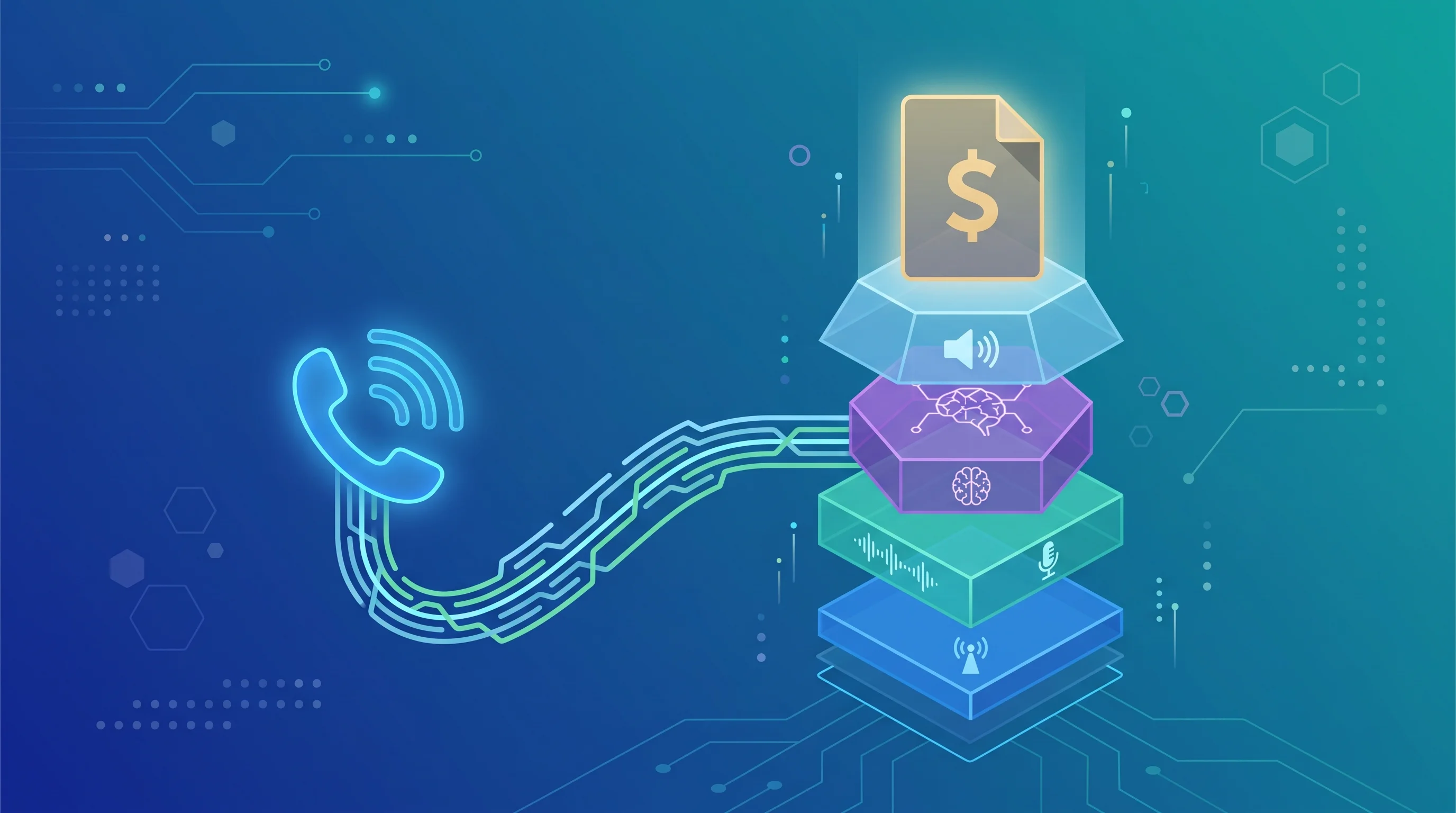
The common take on RingCentral AI Receptionist is that it's a smart, low-friction add-on if you already run your phones through RingCentral. The more useful claim is the opposite one: "I already pay for RingCentral" is the weakest possible reason to buy it, and it's the reason most businesses that buy it do.
An add-on decided by which vendor you already use, instead of what the call handling actually needs to do, is how businesses end up locked into a phone system's roadmap instead of their own.
What RingCentral AI Receptionist actually is
RingCentral AI Receptionist, often shortened to AIR, is a voice AI add-on that answers, routes, and follows up on calls for RingCentral phone customers. It launched into general availability for businesses in the US and Canada, and RingCentral's own announcement of that milestone is worth reading before any third-party review, since it's the source those reviews are built from.
According to RingCentral's product page, the feature set covers:
- Answering multiple simultaneous calls around the clock, with automatic transcription
- Booking and rescheduling appointments through Google Calendar or Outlook
- Capturing lead information with customizable intake questions and logging it to Salesforce, HubSpot, or Zoho
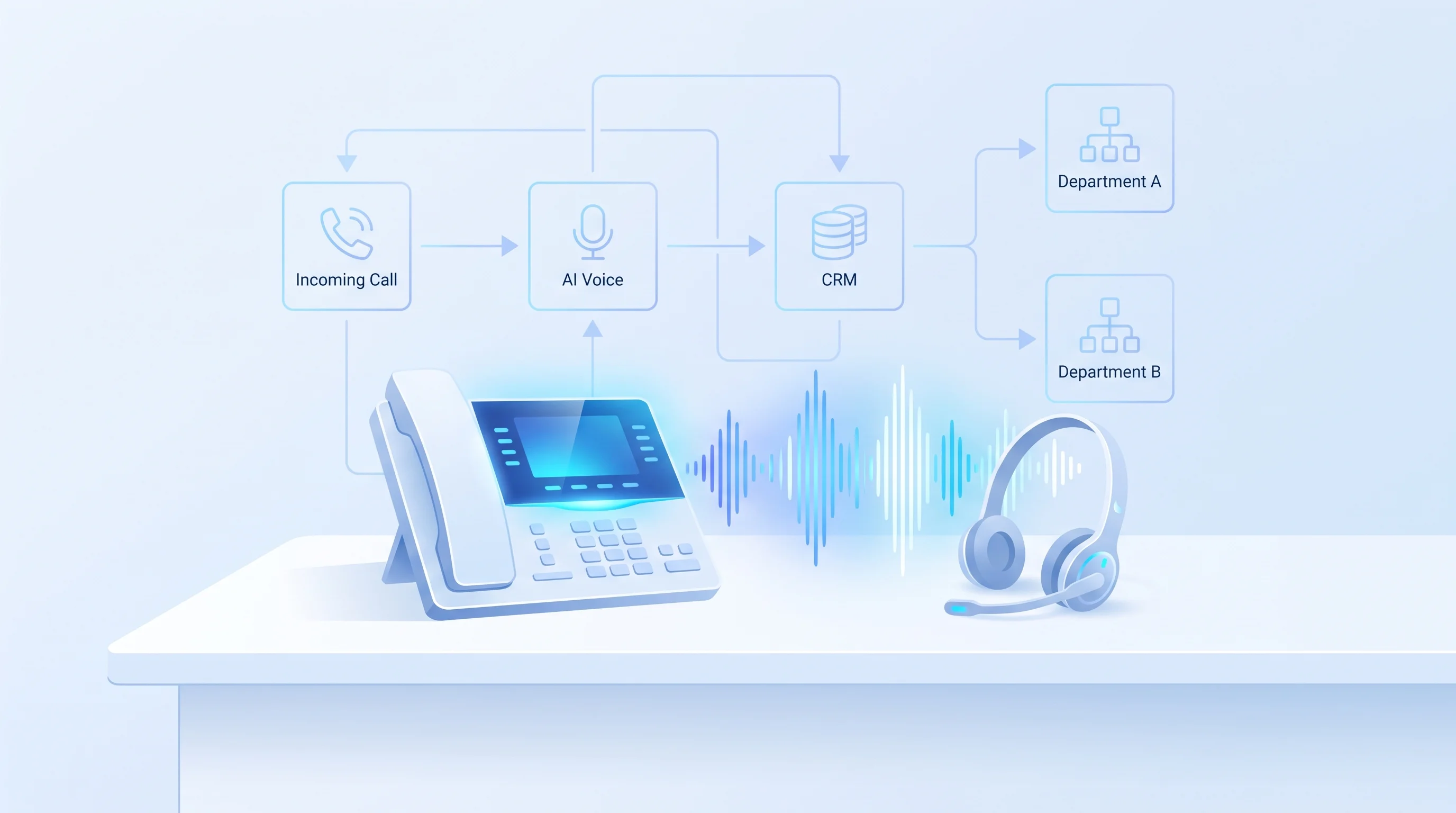
- Routing calls by name, department, location, or keyword, with a summary handed to whoever picks up the transfer
- Sending SMS follow-ups with links, forms, or confirmations after the call ends
RingCentral's general availability announcement adds that the product supports English and Spanish dual-language mode as a flagship capability, and reports more than 2,000 businesses using it across healthcare, professional services, and financial sectors at launch.
That is a real, working product. The question is not whether it functions. It's whether "add it to my existing RingCentral plan" is the right frame for deciding if you need it.
What it actually costs
RingCentral's own announcement states AI Receptionist starts at $39 a month with 100 minutes included, with additional minutes available in 100-minute bundles, and its product page separately lists the add-on as available standalone or bundled with a RingEX plan. That part is on the record from RingCentral itself.
What RingCentral's public pricing page does not spell out is the per-minute overage rate once you exceed your bundle. Independent reviews from CloudTalk and GetVoIP both report overage billed at roughly 50 cents per additional minute, and CloudTalk's review cites a Trustpilot user whose bill jumped to $1,600 a month after overage stacked up during a high-volume period.
At 100 minutes a month, $39 is a reasonable price for a small operation. As an illustrative example, a front desk fielding closer to 1,000 minutes a month would burn through nine bundles' worth of overage at the reviewed 50-cent rate, and that math moves in a direction RingCentral's own marketing has no incentive to walk you through.
Where it's a reasonable fit
To be fair to it: RingCentral AI Receptionist earns its keep in a specific, narrow situation. You are already a RingCentral RingEX customer, your call volume is low to moderate and fairly predictable, your routing needs are simple enough to fit dropdown-style configuration, and you want the fastest possible setup without evaluating a separate vendor.
In that situation, the integration friction is genuinely lower. You are not porting a number, standing up a new provider relationship, or training a team on a different admin portal. The tradeoff is that you inherit RingCentral's roadmap, RingCentral's pricing changes, and RingCentral's limitations on how deeply the agent can be customized, because it was built to be a feature inside a phone system, not a standalone product optimized for your specific call flow.
What the reviews compare it against, and what they miss
Every review of RingCentral AI Receptionist compares it to other phone-system add-ons: CloudTalk, Dialpad, Nextiva, GoTo Connect, Synthflow. That's a fair comparison if you're choosing between prepackaged features bolted onto a business phone line.
It skips the option that actually matters for a business past the smallest call volumes: a voice AI agent built specifically around your call flow, your CRM's actual field structure, and your FAQ content, instead of configured inside someone else's admin portal with someone else's defaults. Our voice AI team builds that version, tests it against your real call patterns before it goes live, and keeps tuning it as those patterns shift, which is exactly the ongoing work a packaged add-on leaves on your plate once the initial setup is done.
The difference isn't just customization depth. It's who owns the maintenance. With a phone-system add-on, you're the one who notices when the routing rules stop matching how your business actually operates and you're the one who goes back into the admin panel to fix it. With a managed build, that upkeep is part of what you're paying for.
The CRM integrations RingCentral ships are also fixed: Salesforce, HubSpot, and Zoho, full stop. Run a different CRM, or need the call to kick off something further downstream, a task assigned to a specific rep, a Slack alert to a manager, a status change in a tool your team already uses daily, and you're outside what the add-on was built to touch. Our AI automation team builds that wider layer directly into the CRM you actually run, instead of asking you to fit your process into three supported options.
RingCentral AI Receptionist versus a custom-built agent
The honest comparison isn't "which is better." It's "which question are you actually trying to answer."
If the question is "how do I add basic call automation to a phone system I already have with minimal setup," RingCentral AI Receptionist answers it well, inside the limits already covered above.
If the question is "how do I stop losing leads to a call flow that doesn't match how my business actually runs," a packaged add-on answers that only as well as its configuration options allow, and those options are the same for every RingCentral customer buying the same tier. A custom build starts from your call flow instead of a template.
Cost is not the deciding factor between the two, since a managed custom build often runs a comparable or higher rate per minute once support and tuning are priced in. What differs is what that rate includes, and whether you are the one doing the ongoing configuration work or someone else is.
A packaged add-on is built to demo well on the common case and to hand off politely on the uncommon one. Whether that handoff is good enough for your business is a question a generic review can't answer, because it depends on how often your uncommon case actually happens and what it costs you when the agent gets it wrong instead of routing it to a person.
Porting risk is the part nobody prices in
There's a switching cost that neither RingCentral's pricing page nor the third-party reviews mention: once your AI receptionist is built as a feature inside a specific phone system, moving away from that phone system later means rebuilding the receptionist too, not just porting a number. That coupling is invisible on day one and expensive on the day you outgrow RingCentral for reasons that have nothing to do with the AI receptionist itself, a pricing change on the core phone plan, a feature gap on the RingEX side, a merger that forces a platform consolidation.
A voice agent built as its own layer, connected to your phone number rather than embedded inside one vendor's phone system, doesn't carry that same lock-in. Changing phone providers later is a number port, not a rebuild.
The next step
Pull your last three months of call volume and your actual routing rules, the ones you'd want an AI receptionist to follow, not the ones a generic template assumes. Compare that against RingCentral's 100-minute bundle and its published overage math before you decide anything.
If your routing needs are simple and your volume is low, the add-on will likely do the job. If you're past that, or you're tired of being the one who fixes the configuration every time something changes, tell our voice AI team what your call flow actually looks like and we'll show you what a build made for it, instead of a template it, would take.