The standard advice for document workflow automation is to pick a dedicated platform: something with templates, an approval builder, and e-signature baked in. Buy the tool, and the routing problem goes away.
That advice is backwards for a lot of businesses, and it is backwards in a specific, checkable way. If the document already needs to update a deal stage, trigger a task, or change a customer record, a standalone document tool does not remove a step. It adds one: now something has to keep that tool in sync with the CRM or project system the rest of the business actually runs on.
TL;DR:
- Document workflow automation moves a document through review, approval, and storage without manual routing. It is a movement problem, not just a storage problem.
- Poor agreement management drains close to $2 trillion in economic value a year, most of it lost to disconnected workflows, not bad software.
- A dedicated document platform is faster to set up for standalone documents. A CRM or workflow-platform build holds up better once the document needs to touch other systems.
- AI extraction earns its place on inconsistent inputs, like scanned vendor PDFs, where a fixed field map keeps breaking.
What document workflow automation actually replaces
A manual document process looks the same across departments, just with different nouns. Someone finishes a document, emails it to the next person, that person eventually opens it, decides, and emails it onward or asks a question that stalls the whole chain. Nobody owns the document while it is in transit, which is exactly when it gets stuck.
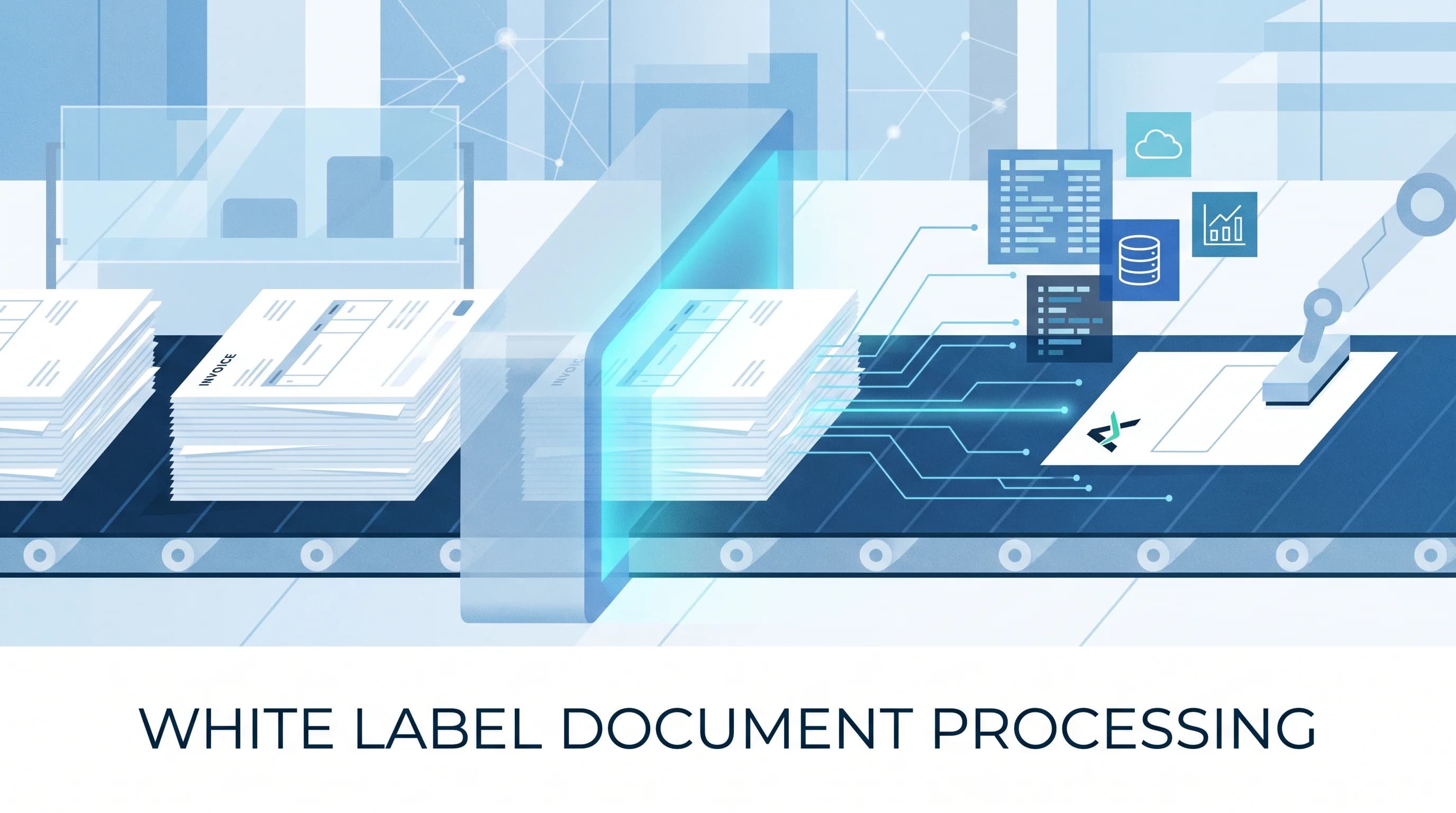
Document workflow automation replaces the email chain with a defined path: a trigger, a routing rule, an approval step, and an output. Deloitte and DocuSign's research across more than 1,000 business leaders found that companies spend an extra 18 percent of their time on agreements because of disconnected workflows, adding up to more than 55 billion wasted hours globally per year. That number is not about slow software. It is about handoffs that depend on a person noticing something is waiting.
The categories that show up most:
- Contracts and agreements. Draft, redline, approve, sign, file. This is the category with the clearest ROI data because vendors like DocuSign track it closely.
- HR onboarding. Offer letters, policy acknowledgements, tax and benefits forms, all needing a signature and a record.
- Procurement and AP. Purchase requests and invoices routed for approval before they hit accounting. Our AP automation coverage goes deeper on that specific document type.
- Compliance approvals. Documents that need a sign-off trail for audit purposes, where the record of who approved what and when matters as much as the approval itself.
The decision that actually matters: buy a platform, or build it into what you already run
This is the part most document workflow automation guides skip, because it is not a feature comparison, it is a question about your existing stack.
Buy a dedicated platform when:
- The document is mostly standalone, like a vendor NDA or a one-off proposal, and does not need to write data into another system afterward.
- Your volume is low enough that a per-envelope or per-user pricing model stays cheap.
- You need e-signature legality and audit trails out of the box, which the dedicated tools have already solved.
Build the routing into your CRM or automation platform when:
- The document's approval needs to change a record somewhere else, such as moving a deal stage, opening a task, or updating a customer field the moment a contract is signed.
- You already run a CRM like GoHighLevel for the rest of the customer lifecycle, and a second, disconnected document tool means duplicate data entry between the two. Our GoHighLevel automation team builds contract and approval steps directly into the CRM pipeline for exactly this reason.
- The inputs are inconsistent, like scanned invoices from different vendors, and you need an AI extraction step feeding the workflow rather than a fixed template field.
What a built workflow looks like end to end
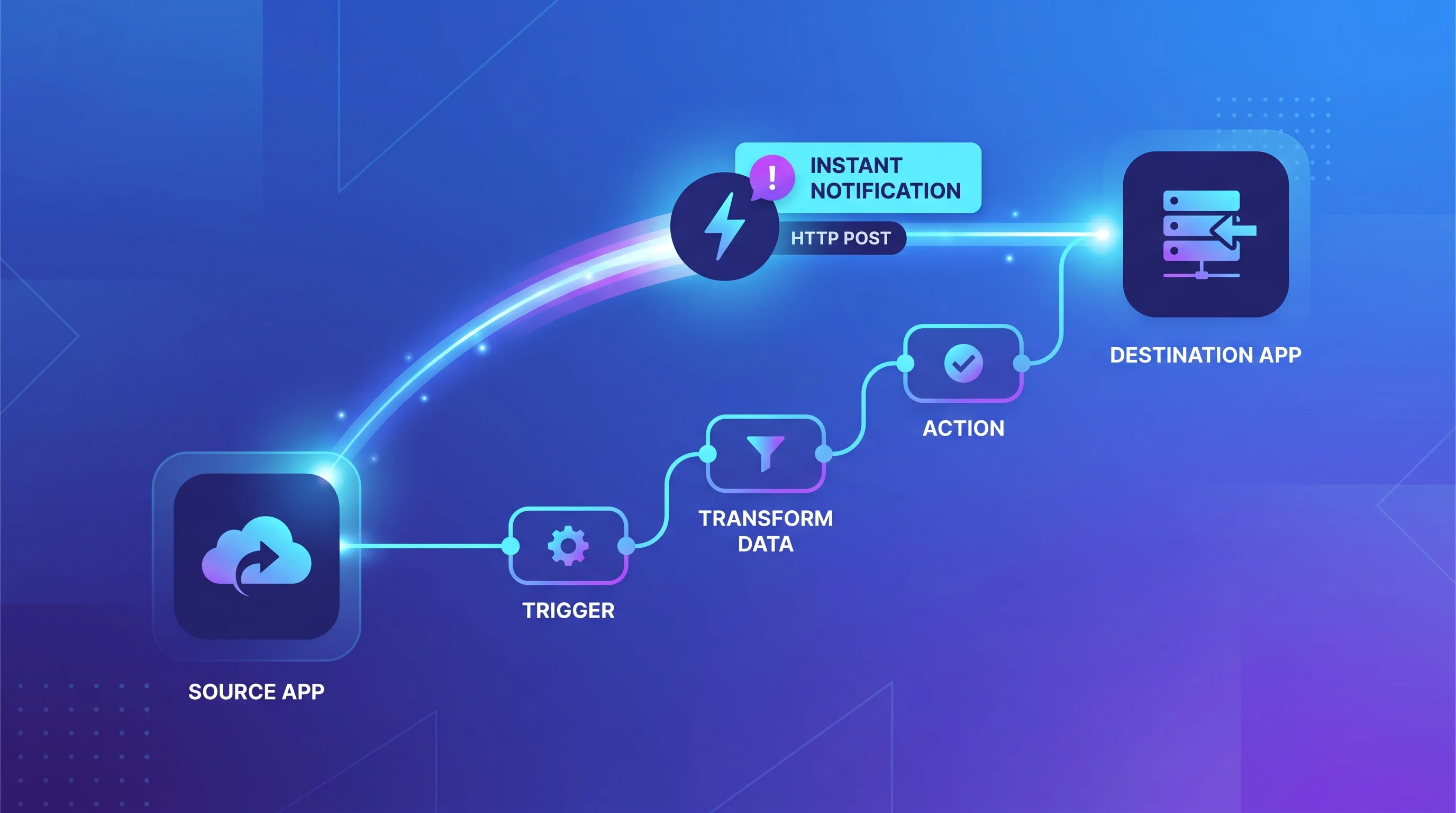
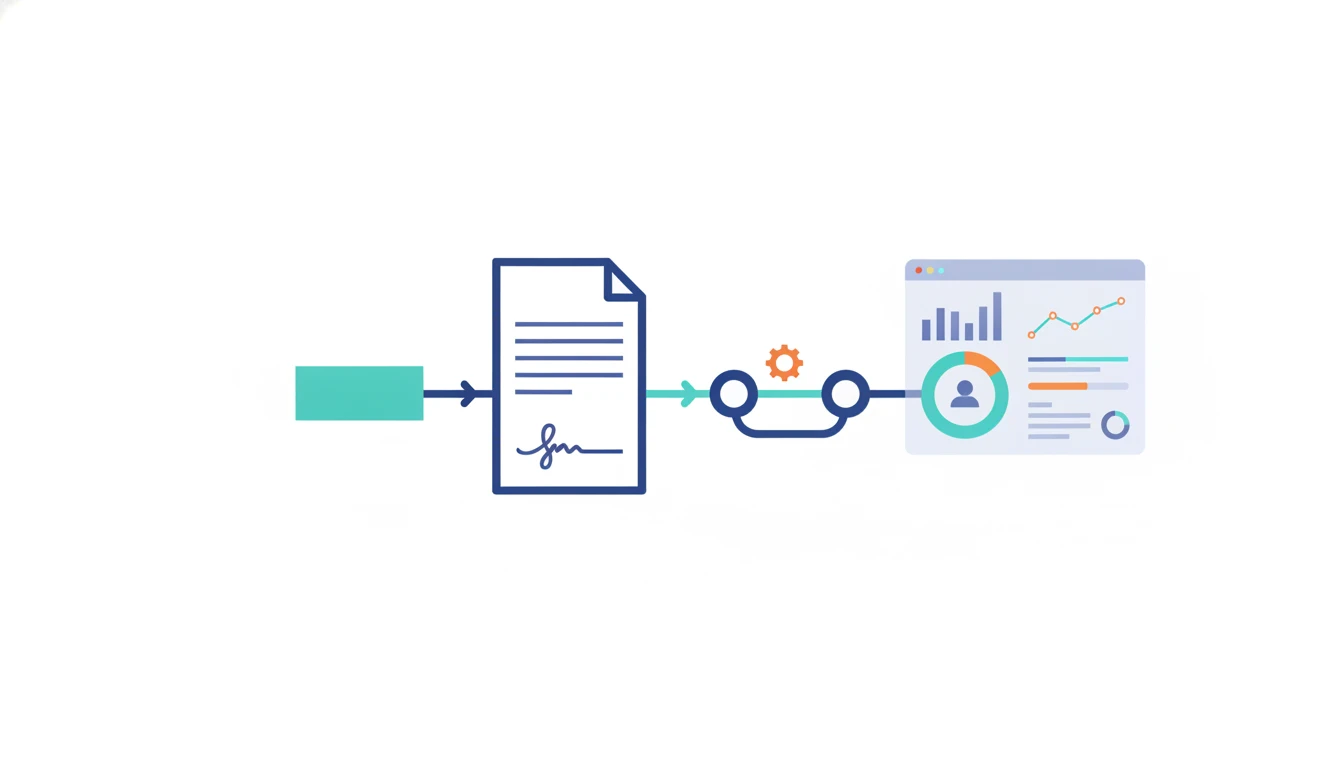
A document workflow automation build, wired into the systems you already run, typically has four parts:
- Trigger. A form submission, an inbound email attachment, or a stage change in the CRM that means a document needs to move.
- Extraction or routing logic. Either a fixed rule (route by document type or amount) or an AI step that reads the document and pulls the fields the workflow needs, especially useful when the input format is not consistent.
- Approval. A defined chain, sequential or parallel, with a visible record of who approved what, and a nudge when it stalls past a set time instead of waiting for someone to notice.
- Write-back. The result updates the CRM, task system, or accounting tool automatically once the approval closes, so nobody re-keys the outcome by hand.
That write-back step is the one dedicated document tools frequently leave as a manual export, because their job ends at "signed," not at "reflected everywhere it needs to be." Our workflow automation team builds that last connection directly, so a signed contract or an approved invoice updates the CRM, the accounting system, and the task queue in the same motion instead of a separate step someone remembers to do later.
Where these projects usually stall
Most document workflow automation projects do not fail at the build. They fail at the edges the build did not account for.
- The exception path has no owner. The happy path, where a document sails through approval, works on day one. The workflow usually breaks on the document that needs a second reviewer, gets rejected and resubmitted, or arrives with a field missing. If nobody is assigned to handle that branch, it defaults to sitting in a queue, which is the exact problem the automation was supposed to remove.
- The approver list goes stale. A workflow routes by role or by name, and six months later the person named has left or changed teams. Nobody notices until a document sits unapproved for two weeks and someone finally asks why.
- Extraction accuracy gets checked once, at launch. An AI extraction step tuned against last quarter's invoice formats can quietly start missing fields when a vendor changes their template, and the first sign is usually a wrong number reaching accounting, not a visible error.
The next step
Before evaluating another document automation vendor, pull up the last ten contracts, invoices, or approval forms your team processed and time how long each one actually sat waiting on a person, not on the document itself. If most of the delay is a person not noticing a document was ready, and that document already needs to update a system you run today, talk to our workflow automation team about wiring the routing directly into that system instead of adding a standalone tool on top of it.