According to Asana's own 2023 Anatomy of Work Global Index, 62 percent of the workday among the leaders it surveyed is lost to repetitive, mundane tasks. That statistic comes from the company that sells one of the most widely used workflow management software platforms on the market. A lot of the people losing that time are sitting inside the very tool built to fix it.
That is not a knock on Asana specifically. It is the pattern across the whole workflow management software category: the software makes work visible, assignable, and trackable, and then a lot of that work still gets done by hand, one click at a time, inside the same tool that is tracking it.
TL;DR:
- Workflow management software (monday.com, Asana, ClickUp, Wrike, Smartsheet) organizes, assigns, and tracks tasks. It does not remove the manual work by default.
- Asana's 2023 research found 62 percent of a leader's workday still goes to repetitive tasks, despite widespread adoption of exactly this category of software.
- Built-in automation features (recipes, rules) only fire on actions inside that one tool and are usually capped or gated behind a paid tier.
- monday.com's Basic plan lists at $9 per seat per month billed annually and does not include its automation feature at all; that requires the Standard tier or higher.
- Workflow automation software like n8n, Make, or Zapier moves data between systems without a person doing it manually, which is a different job than a task board does.
What workflow management software actually does
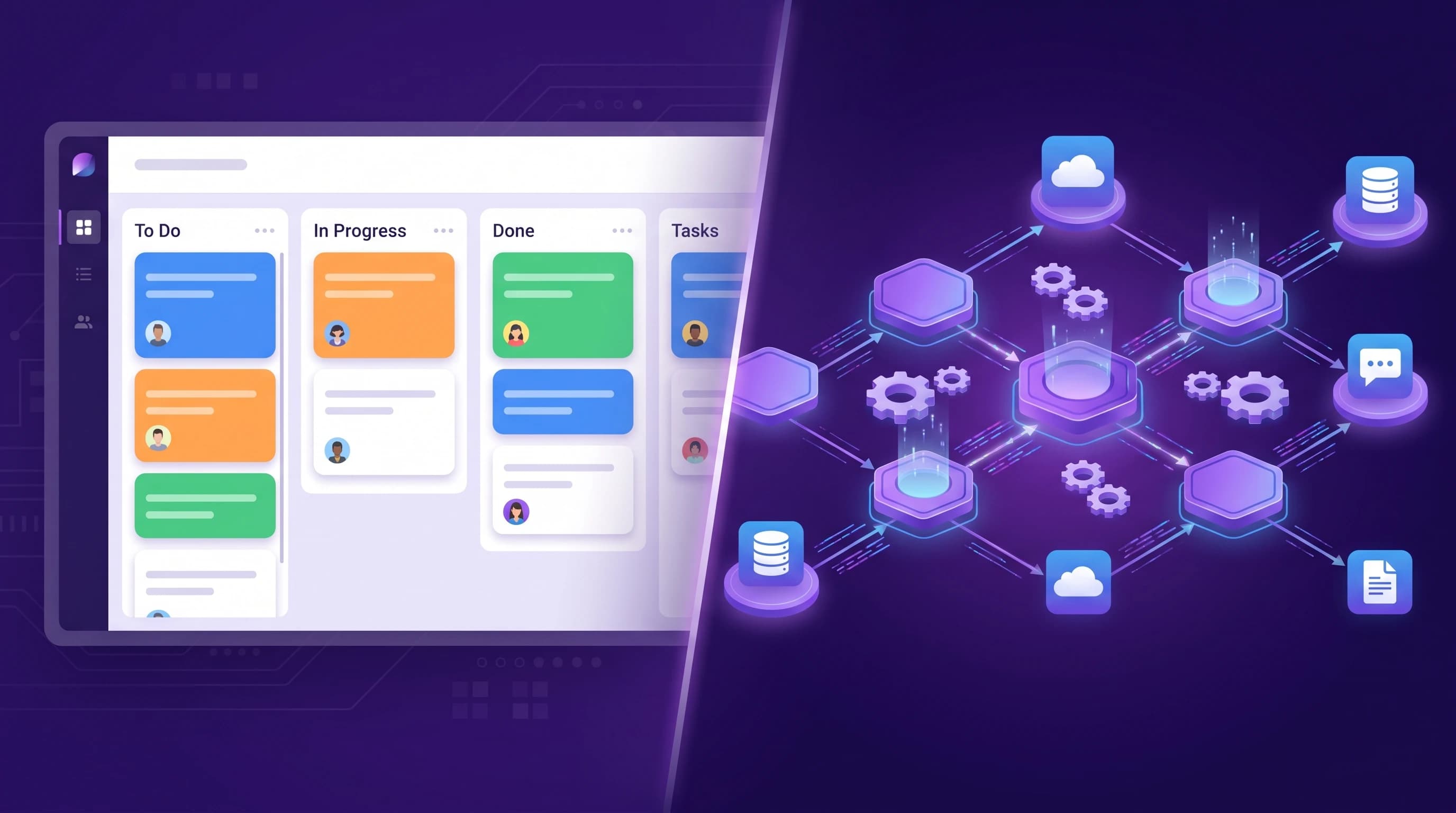
Strip away the branding and every major workflow management platform does four things: it lists the steps of a process, assigns each step to a person, shows status at a glance (a board, a Gantt chart, a kanban column), and reminds someone when a step is late.
That is genuinely useful. Before a team adopts a tool like this, work usually lives in someone's inbox or head, and a manager finds out a step is stuck only when a client complains. A shared board fixes that visibility problem well.
What it does not do, out of the box, is perform the step. If the workflow is "a lead comes in, gets qualified, gets entered into the CRM, and gets a welcome email," a task board can show you that card sitting in the "to enter" column for three days. It cannot enter the lead into the CRM for you. A person still has to open the CRM, copy the fields over, and click send on the email.
The 2026 landscape, briefly
The category is crowded, but most buying guides bury the one comparison point that matters: whether real automation is included, and at what tier.
| Platform | Best known for | Automation included at entry paid tier |
|---|---|---|
| monday.com | Color-coded boards, broad adoption | No - automations require the Standard tier or above |
| Asana | Task and project tracking at scale | Limited rules on paid tiers, capped by plan |
| ClickUp | Docs, tasks, and boards in one workspace | Limited automations, capped per plan |
| Wrike | Approval workflows for complex teams | Custom automations on higher tiers |
monday.com's own pricing page lists the Basic tier at $9 per seat per month billed annually with a stated minimum of three seats, and confirms that its automation feature sits behind the Standard plan, not Basic. Asana's pricing page lists Starter at $10.99 per seat per month billed annually, with fuller automation rules reserved for the Advanced tier. Read the fine print before assuming the entry price buys you automation at all.
None of this is a complaint about these products. They are built to manage and display work, and they do that well. The mismatch shows up when a team buys one of these tools expecting it to solve a problem it was never designed to solve: doing the work instead of tracking it.
If your team's actual bottleneck is "our board is disorganized," workflow management software is the right purchase. If the bottleneck is "someone retypes the same data into three systems every day," it is the wrong purchase, no matter how good the board looks.
Where the built-in automations stop
Most of these platforms now ship some kind of automation builder: monday.com's automation recipes, Asana's Rules, ClickUp's Automations. They handle small, contained actions well: move a card when a status changes, notify a channel when a due date passes, assign a task when a form is submitted.
The limits show up fast once the workflow crosses outside that one tool:
- Actions are usually confined to that platform. Moving data into a CRM, invoicing system, or phone platform that lives outside the tool is often unsupported or requires a separate paid connector.
- Run counts are capped by plan. A high-volume workflow can burn through a monthly automation allowance in days.
- Conditional logic is shallow. Branching on several fields at once, calling an external API, or applying anything resembling AI judgment to messy input is usually out of reach.
This is exactly the gap that dedicated workflow automation tools like n8n, Make, and Zapier were built to close. They are not project boards with automation bolted on. Moving data between systems, triggering actions across tools, and handling branching logic across an entire process is the whole product, not an add-on feature capped by plan tier.
When you need automation instead of (or alongside) a board
Workflow management software and workflow automation software are not competitors. Most teams that outgrow the built-in automation limits keep the board for visibility and add a dedicated automation layer underneath it to actually move the data.
You are past the point where a task board alone is enough when:
- The same data gets typed into more than one system for a single workflow, such as a lead that gets entered into both a spreadsheet and a CRM by hand.
- A step is time-sensitive and currently depends on someone noticing a task in a queue rather than firing the moment a trigger happens.
- The workflow needs judgment on unstructured input, like reading an inbound message and deciding which of five queues it belongs in, which goes past what a simple if-this-then-that rule can do. That is where our AI automation team typically gets involved, building the judgment layer on top of whatever board or CRM the team already runs.
- You are already paying for the automation tier of your management software and still hitting its run caps or its inability to reach outside systems.
None of this means throwing out the board. It means recognizing that a board tracking work and a system doing the work are two different jobs, and buying software built for one does not solve the other.
The rule to apply before you renew
Before renewing or upgrading a workflow management software seat, ask what percentage of the work tracked on that board is still typed, copied, or clicked by a person between systems. If that number is high, the fix is not a better board. It is wiring the systems in that workflow together so the work happens without the click, which is a build, not a subscription upgrade.