A mid-size apparel brand connects its Shopify store to GoHighLevel, builds an SMS flow off the Shopify Abandoned Cart trigger, and watches it recover carts for two straight weeks. Then it stops firing. Nobody touched the workflow. The brand's agency spends an afternoon checking Shopify's side, checking the automation's history, checking the contact record, before finding the real answer buried in a help article: GoHighLevel is retiring that exact trigger.
Three weeks later, the same brand discontinues a slow-selling product line inside WooCommerce. The product still shows up in a GoHighLevel funnel a month later, because deleting it in WooCommerce never told GoHighLevel to delete it too. Both problems trace back to the same thing almost every "GoHighLevel for ecommerce" guide skips: which direction the data actually flows, and what that direction means for every automation built on top of it.
What the integrations actually sync
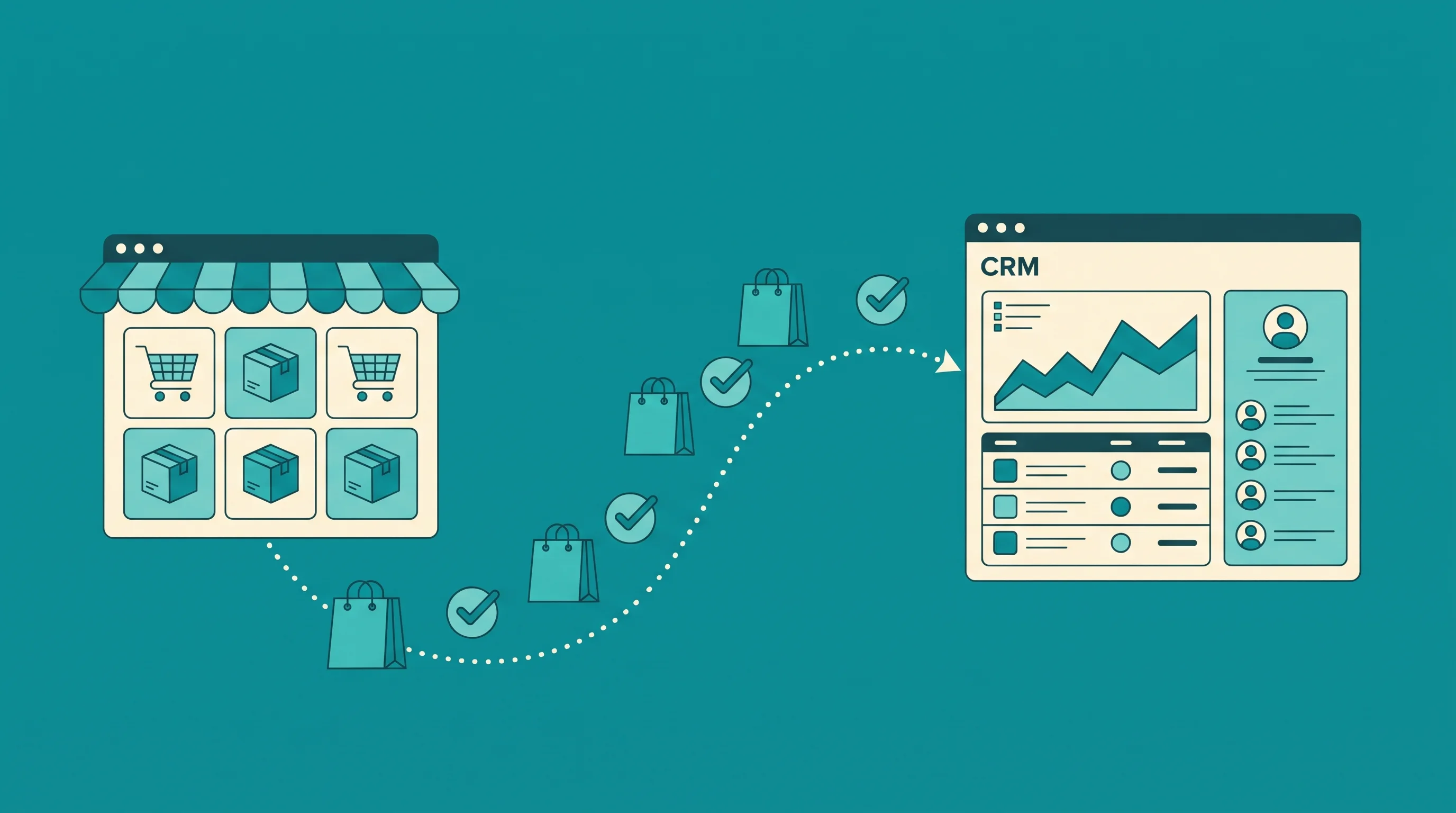
Inside a GoHighLevel sub-account, Settings and Integrations lists both Shopify and WooCommerce as native connections. Both work the same way at a high level: connect the store, choose what to import, and GoHighLevel keeps pulling contacts, orders, transactions, products, and collections on an ongoing basis.
GoHighLevel's own Shopify integration article describes contact records getting enriched automatically with fields like lifetime spend, order count, and first and last order date, pulled straight from Shopify's order history. Two workflow triggers fire off that data: Order Received and Payment Received.
The WooCommerce side works almost identically. GoHighLevel's WooCommerce documentation describes the same category of sync: contacts, orders, transactions, products, and collections, continuously, with Order Submitted and Payment Received triggers available for workflows.
On paper this looks like a full two-way connection between a storefront and a CRM. It is not.
The one-way sync nobody checks first
Both help articles are explicit about direction, once you read past the setup steps. The Shopify article frames the integration as a way to "bring ecommerce data into your sub-account" and keep selected Shopify data syncing into GoHighLevel, with no mention of anything flowing the other way.
The WooCommerce documentation states it even more directly: WooCommerce is "the source of truth for product information." Data moves from the store into GoHighLevel. It never moves from GoHighLevel back into the store.
That one sentence rules out an entire category of automation idea before it gets built. Updating stock counts from a GoHighLevel workflow, editing a product description through a GoHighLevel form, pushing a discount created in GoHighLevel back onto a Shopify or WooCommerce listing: none of it is possible through the native integration, no matter how the workflow is built on the GoHighLevel side. The storefront platform, not GoHighLevel, remains the only place product and inventory data can be changed.
For an agency pitching "GoHighLevel for ecommerce" as a way to run marketing and the store from one dashboard, this is the detail that needs to be set straight in the first client conversation, not discovered after a workflow ships.
The triggers getting retired mid-flight
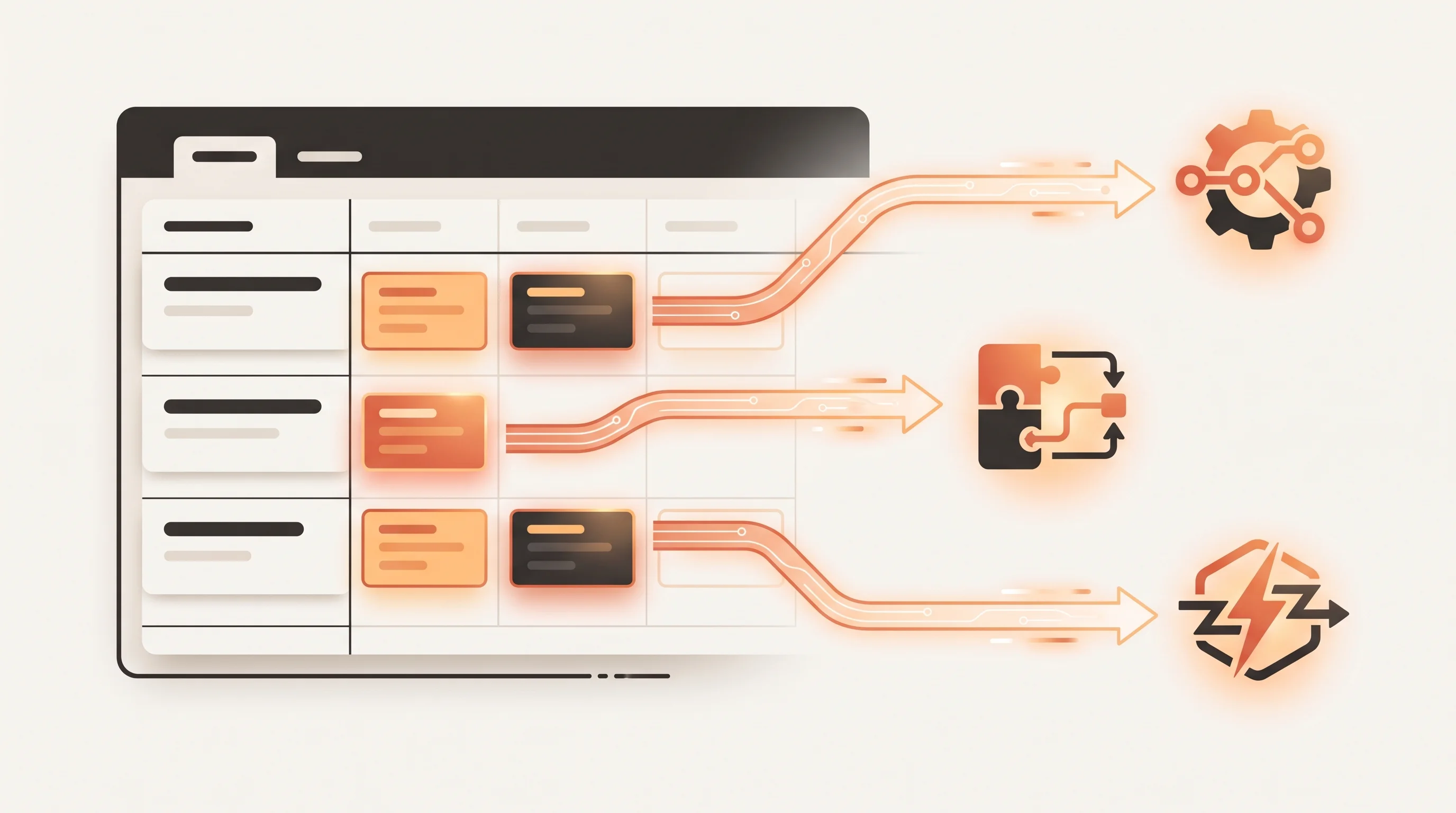
The Shopify integration's original triggers were built around two specific events: Shopify Abandoned Cart and Shopify Order Fulfilled. GoHighLevel's own documentation notes that both are deprecating in favor of newer triggers tied to GoHighLevel's own ecommerce store object instead of the raw Shopify event feed.
A workflow still wired to one of the two retiring triggers will keep working right up until it does not, with no code change on either side to point to. The fix is mechanical: find any automation still referencing Shopify Abandoned Cart or Shopify Order Fulfilled and rebuild the trigger on the replacement event before the old one stops firing entirely, rather than waiting for a client to notice their cart-recovery texts went quiet.
There is a second quiet gap on the Shopify side worth checking before launch: the same documentation notes that a draft order does not update a contact's fields, only a completed, paid order does. A workflow that assumes "checkout started" and "checkout paid" update the same way will misfire for every customer who abandons at payment, since GoHighLevel never sees that contact's spend data change until the order actually completes.
The zombie products WooCommerce leaves behind
The WooCommerce side has its own silent failure mode, and it runs the opposite direction from a missing trigger: data that should disappear but does not.
GoHighLevel's WooCommerce documentation states plainly that product and category deletions in WooCommerce are not reflected in HighLevel. Discontinue a product, remove a whole category, and the copy that already synced into GoHighLevel stays exactly as it was. It can still sit inside a segment, a funnel, or an automation condition that references it, pointing a customer at something that no longer exists to buy.
The same article adds a few narrower import rules worth knowing before a catalog sync runs for the first time: only Simple and Variable product types import, products priced at zero or without variants are skipped, and only categories that are actually attached to an imported product come across. None of that is a bug. It is the documented shape of what the sync does and does not carry over, and it only becomes a problem when an agency assumes the sync behaves like a live mirror of the store instead of a one-way, selectively filtered copy.
When GoHighLevel's own store sidesteps the problem
GoHighLevel also sells a native Ecommerce Store, built directly into the platform rather than connected to Shopify or WooCommerce at all. GoHighLevel's own setup documentation covers physical and digital products, variants, collections, and recurring subscriptions, sold through the store, funnels, payment links, invoices, and forms, all from inside the same account. A separate help article confirms a sub-account can run multiple stores and choose which products appear in each one, so the sync problem above never comes up because there is nothing to sync.
That makes the native store the cleaner option for a service business bolting on a small run of merchandise, a handful of digital products, or add-ons alongside its core offer. GoHighLevel does not publish a hard limit on how many products the store can hold. It also was not built to compete with Shopify's app ecosystem, shipping carrier integrations, or high-volume inventory tooling, so a brand running hundreds of SKUs with real warehouse logistics is still better served keeping that storefront on Shopify or WooCommerce and treating GoHighLevel as the marketing and CRM layer sitting next to it, with the sync limitations above priced into the plan from day one.
Our GoHighLevel automation team builds that marketing layer for ecommerce clients regularly: order and payment triggers feeding abandoned-cart texts, win-back sequences, and loyalty follow-ups, same as the automation patterns covered in our email marketing automation guide. When a client actually needs data to flow the other way, such as a discount or a stock change originating in GoHighLevel reaching the storefront, that has to be built as a custom integration against the store's own API, which is squarely a workflow automation build, not something the native Shopify or WooCommerce connector will ever do on its own.
Key takeaways
- GoHighLevel's native Shopify and WooCommerce integrations both sync one direction only, store to GoHighLevel, per GoHighLevel's own documentation. Nothing built in GoHighLevel writes back to either storefront.
- Shopify's original Abandoned Cart and Order Fulfilled triggers are being retired in favor of new ecommerce-store triggers. Any workflow still using the old ones needs to move before it silently stops firing.
- A Shopify draft order does not update a contact's fields, only a paid, completed order does, so a workflow built around "checkout started" needs a different trigger than one built around "checkout paid."
- WooCommerce product and category deletions never reach GoHighLevel, which means discontinued products can keep showing up in funnels and segments until someone removes them from GoHighLevel separately.
- GoHighLevel's own built-in Ecommerce Store skips the sync problem entirely by not depending on an external platform, but it is sized for a simple catalog next to a service business, not a replacement for Shopify or WooCommerce at real volume.
Before building another automation on top of a GoHighLevel for ecommerce setup, check which direction every trigger and field actually moves, not just whether the integration shows a green "connected" status.