Organizations now manage an average of 50 endpoints to run their business processes, and that footprint is growing about 14% every year, according to Camunda's 2025 State of Process Orchestration and Automation report.
Read that again. Fifty separate systems, apps, and connections that work has to move through to get anything done. A single lead can show the problem in miniature: before it becomes revenue it passes through a form, a CRM, an enrichment service, a Slack alert, a calendar, an email sequence, a billing system, and a spreadsheet somebody still updates by hand.
Every one of those hops is probably automated. Almost none of it is orchestrated. That gap is the reason your automations keep breaking in ways nobody notices until a customer does.
This guide covers what workflow orchestration actually is, why having lots of automation is not the same as having orchestration, and how to add the orchestration layer on top of what you already run - without tearing anything out. It is the version we build for teams through our workflow automation practice, so the framing here is operational, not academic.
What workflow orchestration actually is
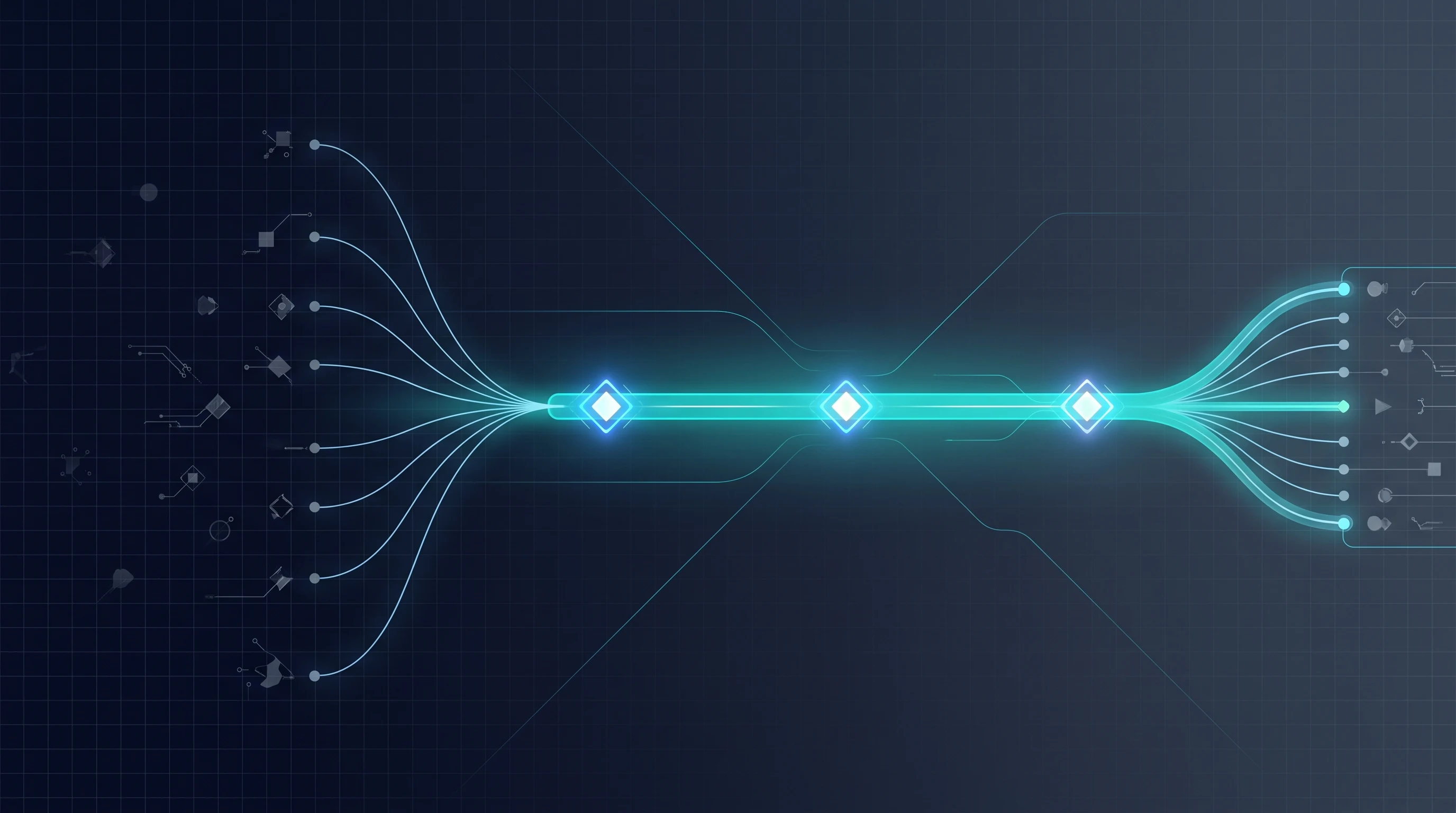
Workflow orchestration is the coordinating layer that runs an entire process from start to finish, across every tool it touches, in the right order, with a plan for what happens when a step fails.
Automation and orchestration get used interchangeably, and that is the root of most of the confusion. They are not the same thing.
- Automation does one task when something triggers it. New row in a sheet, so create a contact. Payment received, so send a receipt. One trigger, one action, done.
- Orchestration coordinates many of those tasks into one governed process. It owns the sequence, the dependencies between steps, the retries when something times out, the branch when a condition is not met, and the handoff to a human when the process needs judgment.
The cleanest way to say it: automation handles the individual steps, orchestration handles the space between the steps. That space - the handoffs, the failures, the "wait for step 3 before doing step 4" logic - is where processes actually break.
The part every other guide skips
Search "workflow orchestration" and you will get two kinds of articles: dense engineering pieces about dependency graphs and durable execution, and tool listicles ranking the same seven platforms.
Both skip the thing that actually matters for most teams: you almost certainly already have the automations. What you are missing is the layer that ties them together.
Nobody sits down to build an orchestration problem. It accumulates. You add a Zap this quarter, an n8n workflow the next, a native automation inside your CRM, a scheduled script somebody wrote once. Each one works in isolation. Then a process needs all four to run in sequence, and there is nothing in charge of making sure they do.
That is automation sprawl. And sprawl is not a tooling failure - it is the absence of an orchestration layer.
Signs you have automation but no orchestration
You do not need a diagram to diagnose this. You need to answer a few uncomfortable questions honestly.
- A step failed last week and you found out from a customer, not a dashboard. No orchestration means no single place watching whether the whole process completed.
- Nobody can confidently say whether a specific run finished. You end up opening five tools to reconstruct what happened to one order or one lead.
- When one tool has an outage, the process does not pause - it loses records. Steps downstream keep firing on incomplete data, or the record just vanishes into a gap between two systems.
- A "small" change to one automation quietly breaks a different one. Nothing modeled the dependency, so nothing warned you.
- The same fix gets applied by hand every week. A human is doing the coordination that an orchestration layer is supposed to do.
If two or more of those are true, you do not have a tools problem. You have automations doing exactly what they were built to do, with nothing governing them as a whole.
What the orchestration layer actually adds
When we add orchestration to an existing stack, the individual task automations usually stay exactly as they are. What changes is that a coordinating layer now wraps them and adds five things they never had on their own.
1. A defined order and real dependencies
Step 4 does not run until step 3 confirms it finished. If step 3 returns bad data, step 4 does not run on garbage - it stops or branches. The process knows its own sequence.
2. Error handling and retries
This is the biggest single upgrade. A raw automation that hits a timeout usually just fails and moves on. An orchestrated process retries with backoff, and if it still fails, it routes to a defined error path instead of dropping the record. Platforms like n8n expose this directly through error workflows and error triggers; orchestration is what makes you actually use them as a system rather than a checkbox.
3. Human checkpoints
Real processes have moments that need judgment - a refund over a threshold, a contract that needs approval. Orchestration pauses, waits for a person, and resumes. Automation alone either skips the judgment or forces you to bolt on a separate approval tool that nobody watches.
4. State and observability
The orchestrated process knows where every run is right now. One place to see what is in flight, what is stuck, and what failed and why. This is the thing teams miss most and feel most once they have it.
5. One owner for the whole process
Instead of four automations that each own a fragment, there is a single workflow that owns the outcome. When something changes, you change it in one place, and the dependencies are explicit.
Automation vs orchestration, side by side
| Automation | Orchestration | |
|---|---|---|
| Scope | One task | End-to-end process |
| Handles failure | Usually just stops | Retries, branches, alerts |
| Knows the order | No | Yes, with dependencies |
| Human in the loop | Bolted on | Built in as a checkpoint |
| Visibility | Per tool | One view of the whole run |
Do you need a dedicated orchestration tool?
Not necessarily, and this is where a lot of money gets wasted.
For most small and mid-sized teams, orchestration is a way of building inside the platform you already run, not a new platform to buy. If your processes live in a tool like n8n or Make, you add orchestration by giving one workflow ownership of the whole process, wiring in error branches, logging every run, and defining retries and checkpoints. The tool was capable of this the whole time. Sprawl just meant nobody used it that way.
A dedicated orchestration platform earns its place when the process outgrows that. The usual triggers:
- Processes that span many systems and run for hours or days, not seconds.
- A need for durable state - the process must survive a server restart mid-run.
- Strict auditability, where you have to prove exactly what happened to every record.
- Volume high enough that reliability guarantees matter more than convenience.
How to add orchestration without ripping anything out
You do not rebuild. You wrap. Here is the sequence we use.
- Map one real process end to end. Pick the one that breaks most. List every tool it touches and every handoff between them. This alone usually reveals two or three silent gaps.
- Give it a single owning workflow. One trigger starts the process. That workflow calls the existing automations in order instead of each one firing independently on its own trigger.
- Add error handling to every hop. Retry with backoff, then a defined failure path that alerts a human and preserves the record. No more silent drops.
- Add logging and one place to watch. Every run writes where it is and what happened. This is your observability layer, and it is often just a table plus a dashboard.
- Insert human checkpoints only where judgment is real. Do not gate everything. Gate the two or three steps that genuinely need a person.
- Then, and only then, decide if you have outgrown your current tool. Most teams have not.
As an illustration, take a process with ten automated steps where each step succeeds 98% of the time. Run them independently with no retries and the odds all ten complete cleanly are roughly 0.98 to the tenth power, about 82%. That means close to one run in five hits at least one failed step. Add retries and error handling through orchestration and most of those recover automatically instead of silently dropping. (That is example math to show the compounding, not a measured figure from your stack.)
Orchestration is also what turns a pile of AI automations into something dependable. If you are wiring language models and agents into a process, the coordinating layer is what handles the moments they get something wrong - which is exactly the discipline our AI automation team builds around agentic steps. For concrete patterns to orchestrate, our roundup of workflow automation examples and our library of real n8n examples are good places to see the shape of it.
The one rule for workflow orchestration
If you take a single line from this, take this one:
If a process crosses more than two tools and a failed step can go unnoticed, it needs orchestration - not another automation.
Adding a sixth automation to an unorchestrated process does not make it more reliable. It adds one more thing that can silently fail with nothing watching. The reliability does not come from having more automation. It comes from the layer that governs the automation you already have - the order, the retries, the checkpoints, and the single view of every run.
That layer is the difference between a stack that looks impressive in a demo and one that still works on the morning nobody is looking at it. If you want it built on top of what you already run - the process mapped, the error handling wired in, the checkpoints defined, and one place to watch it all - that is exactly what our workflow automation team sets up. Tell us which process breaks most often, and we will map the orchestrated version that stops it.