Buy the platform, the standard advice goes. Get a data catalog, a governance layer, a proper warehouse, and a master data management tool, and your data problems go away. That advice is correct for a company with a data team and a six-figure software budget. It is close to useless for everyone else, and everyone else is most of the businesses searching for data management tools right now.
The buying guides that rank for this term are written by data infrastructure vendors, for data infrastructure buyers. They compare Informatica against SAP MDG, price Snowflake in the hundreds of thousands over three years, and describe timelines of six to eighteen months to roll out a governance program. None of that is wrong. It is just not aimed at a ten-person company or a marketing agency running five client accounts out of a shared drive.
Quick summary:
- "Data management tools" covers five distinct jobs: collection, sync, storage, quality, and reporting. Most small businesses only need three of them.
- Enterprise-tier tools like Collibra or Informatica solve a coordination problem across many teams, not a data problem for a small business.
- A spreadsheet or Airtable base, a free-tier sync tool, and a warehouse's free tier cover most businesses under a few hundred thousand records.
- The signal to upgrade is a specific failure (double-entry, a broken formula, a query another tool needs), not a calendar date.
What "data management tools" actually covers
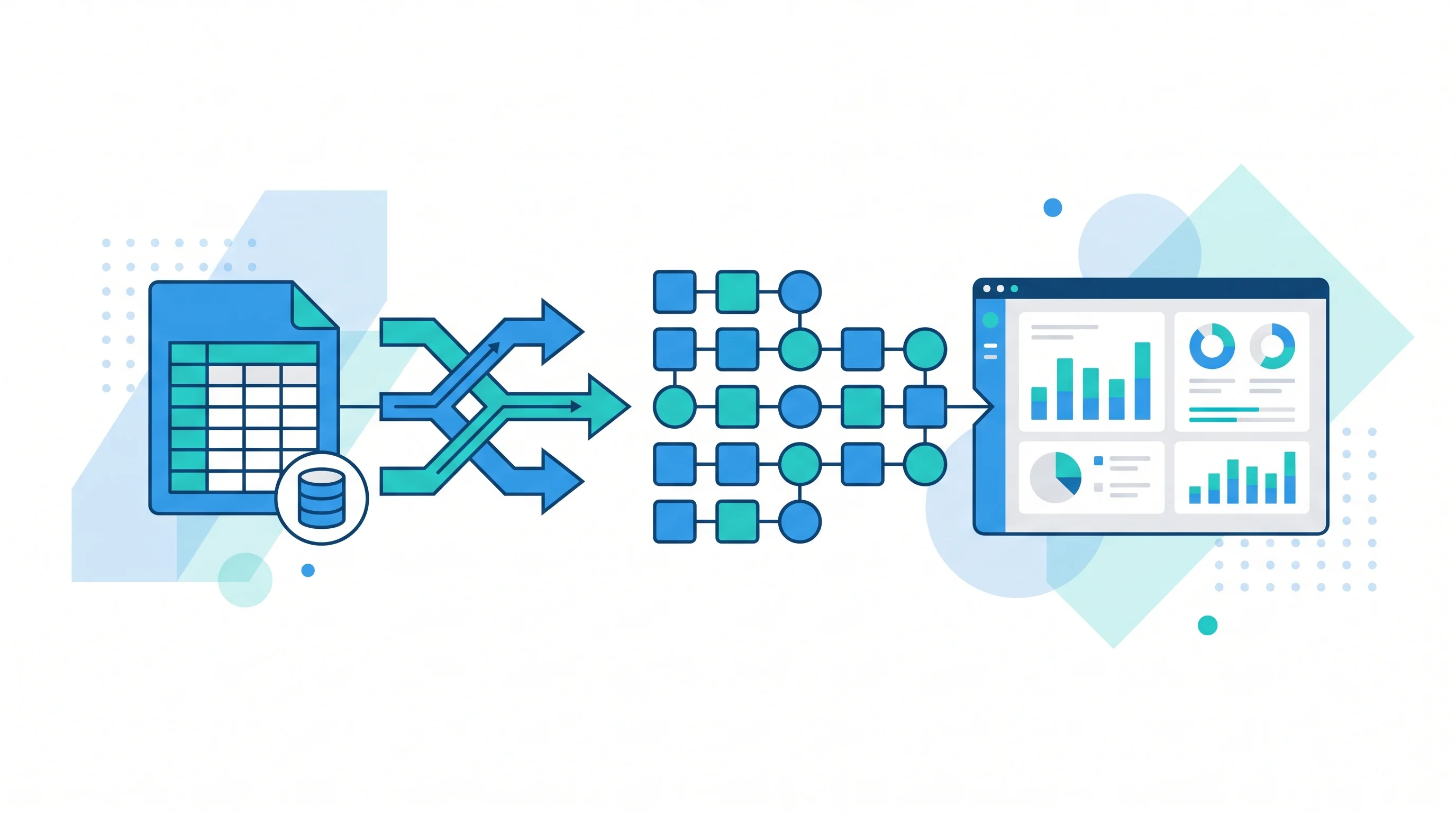
The phrase gets used as a catch-all, which is exactly why the roundups are so bloated. Underneath it are five separate jobs:
- Collection and structuring - getting data out of people's heads and spreadsheets into a consistent format. Airtable, a structured Google Sheet, or a lightweight database.
- Sync and integration - moving data between systems that don't talk to each other natively. Fivetran, Airbyte, or a native connector inside your CRM.
- Storage - a place all of that data lives so it can be queried instead of copy-pasted. BigQuery, Snowflake, or in many small setups, nothing more exotic than a well-organized spreadsheet.
- Quality and governance - rules that catch bad data before it reaches a report. At the enterprise end this is Collibra or Microsoft Purview; at the small business end it is a validation rule on a form field.
- Reporting and visualization - the layer a human actually looks at. Looker Studio, Power BI, or a custom dashboard.
A business with a real data management problem usually has a gap in one or two of these, not all five. Diagnosing which one is missing matters more than picking a tool from a 25-item list.
Why the standard buyer's guide skips your situation
Enterprise data management guides assume a specific shape of company: hundreds of data sources, a dedicated data engineering function, and a compliance requirement driving the purchase. None of that describes an agency managing five client accounts or a services business tracking leads, jobs, and invoices across three tools.
The tell is in how those guides talk about cost and time. A platform-vendor buyer's guide will describe a rollout measured in months and a contract measured in six figures, because that is genuinely what it costs to stand up governance across a large organization. Treat that as an illustrative example of enterprise-scale cost, not a number that applies to a five-person team evaluating the same category.
Meanwhile, most small businesses are still running core operations on spreadsheets. According to Intuit QuickBooks' Small Business Insights research, 53 percent of surveyed small businesses use spreadsheets for financial management, and close to a third still record transactions on paper. That is the actual starting point for most companies searching this term, and it is nowhere in the enterprise comparison tables.
The stack that actually fits a small business or agency
Collection: Start with what your team already updates without being reminded. If that's a spreadsheet, keep it, but move to Airtable once two people need to edit the same records or you need linked tables instead of separate tabs. Airtable's pricing page shows a free tier for individuals and small teams, with paid plans starting at $20 per user per month once you need more automation or record capacity.
Sync: You need a way to move data between your CRM, your ad accounts, and wherever you report from without manual export-and-paste. Fivetran's pricing documentation shows a free plan covering up to 500,000 monthly active rows, which is enough for most single-business setups to test a real pipeline before paying anything. Below that threshold, a native connector or a workflow automation tool covers the same job for less setup.
Storage: Google's BigQuery pricing page lists a standing free tier of 1 TB of query processing and 10 GB of storage per month, which covers most small businesses without a paid warehouse contract. Snowflake, by contrast, only offers a time-limited trial with credits, not an ongoing free tier, so it's worth comparing the two directly before assuming either one is free. You do not need a dedicated warehouse until reporting requires joining data across more sources than a spreadsheet or Airtable base can reasonably hold.
Quality: Skip the governance platform. A required field, a dropdown instead of free text, and a monthly spot check catch most of the data quality problems a small business actually has.
Reporting: This is where the spend should go, because it's the layer your team and your clients actually see. We compared the two most common options in our guide to Looker Studio vs Power BI, and covered the tool-selection math in more depth in our piece on the best business intelligence tools.
When the enterprise tools actually apply to you
There is a real point where the heavier tools earn their cost. It shows up when:
- You're an agency managing data across ten or more separate client accounts, not one business.
- A regulator, auditor, or enterprise customer requires documented data lineage, not just accurate numbers.
- More than one team is defining the same metric differently, and nobody can say which number is correct.
If none of those apply yet, the right move is the lighter stack above, not the platform a Fortune 500 case study is using. This is also where a connected analytics setup pays for itself faster than adding another point tool: one pipeline that pulls your CRM, ad spend, and operations data into a single dashboard solves the reporting gap without a governance rollout attached to it.
For agencies specifically, the sync layer between your systems and your clients' systems is often the actual bottleneck, not the reporting tool on top of it. Our workflow automation team builds that connective layer directly, so data moves between tools automatically instead of depending on someone remembering to run an export every Monday.
Your next step
Don't start by comparing tool names. Start by writing down which of the five jobs, collection, sync, storage, quality, or reporting, is actually broken for your business today. Then shortlist tools for that one job only.
If the honest answer is "we don't know where the gap is, we just know the reports are wrong," that diagnostic is exactly what our analytics team does first, before recommending a single piece of software. Tell us what your current reporting looks like and we'll show you which of the five jobs is actually costing you accuracy.