How do I automate my business reports? If you typed that into Google, almost every result hands you the same thing: a ranked list of tools with a "connect your data, pick a template, hit schedule" checklist stapled to the bottom.
That advice is not wrong. It is just aimed at the easy 20% of the problem.
Picking a tool and scheduling a send is the part that takes an afternoon. The part that decides whether automated reporting actually saves you time - or just quietly emails a PDF that nobody opens - is everything around that send. This post is about that everything.
What automated reporting actually is
Strip away the vendor language and automated reporting is one loop running without you:
- A trigger fires. A time interval (every Monday at 8am), a threshold (revenue drops below X), or an event (a deal closes).
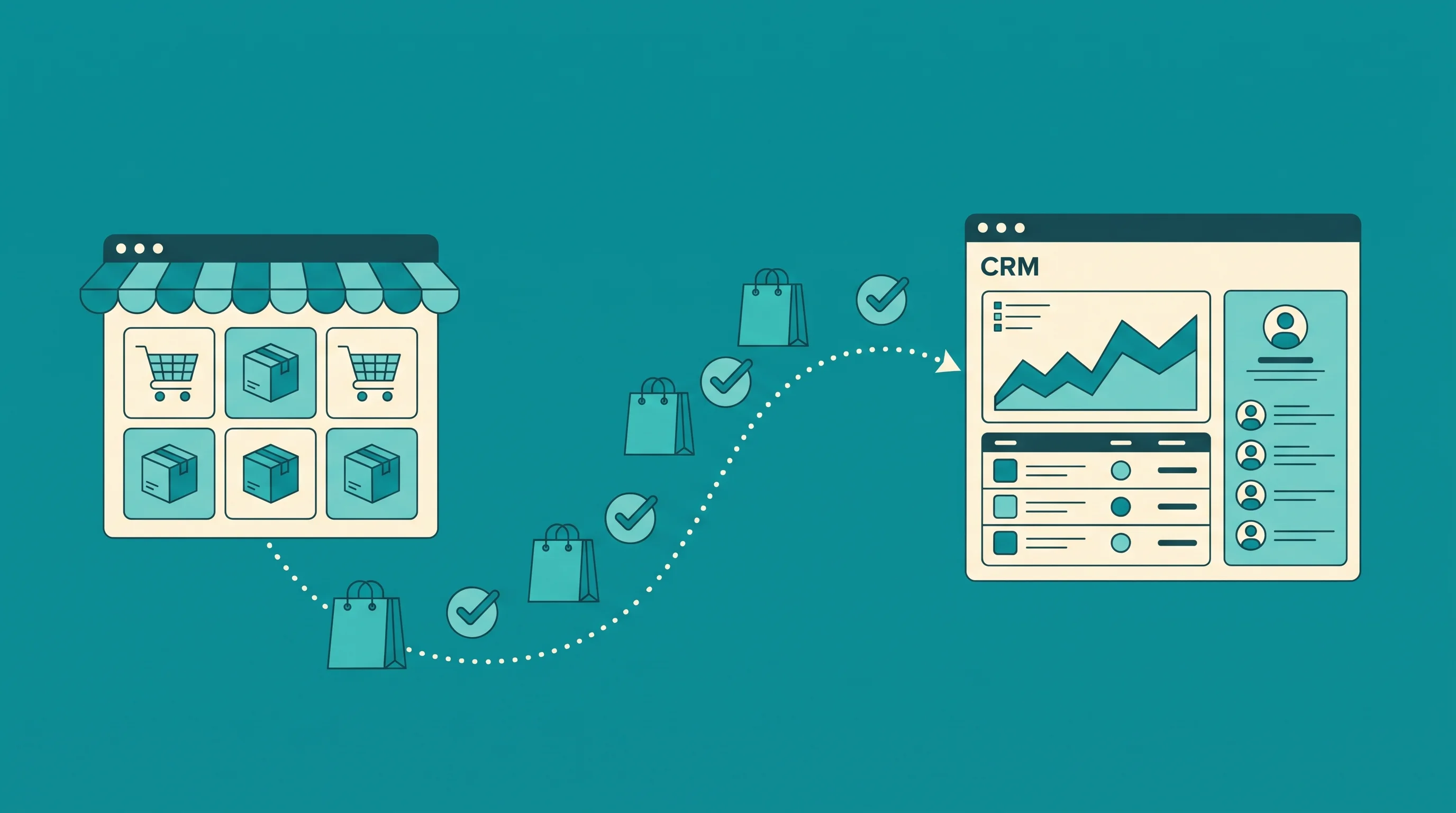
- The system pulls fresh data from your sources - CRM, ad platforms, database, spreadsheets.
- It assembles the output using the metrics, filters, and layout you defined once.
- It delivers to the people who need it, in the format they will actually read.
Do that and the report builds and sends itself every cycle. No one copies numbers into a spreadsheet at 7pm on a Sunday.
The reason this matters is not vanity. It is time. Anaconda's 2020 State of Data Science survey found data professionals spend about 45% of their time just loading and cleaning data before they can use it - more than they spend on the analysis itself. Automated reporting is the discipline of paying that cost once, in setup, instead of every single week forever.
Why most automated reporting still fails
Here is the uncomfortable part the tool roundups skip. You can wire up a perfectly scheduled report and still get zero value from it. There are three ways automated reporting dies, and none of them are about the tool.
1. The numbers are wrong, so no one trusts them
Automation does not fix bad data. It industrializes it. If your CRM has duplicate contacts, inconsistent stage names, and three definitions of "qualified lead," an automated report just delivers those problems faster and more confidently.
The first time a stakeholder catches a number that does not match their gut, the report is dead. They stop reading it and go back to asking you directly. You now maintain an automated report and answer the same questions by hand.
Clean, agreed-upon definitions come before automation. Not after. This is the single most common reason a reporting project stalls, and it has nothing to do with which platform you picked.
2. Nobody reads it
A report that arrives on schedule and gets archived unread is not automation. It is spam you built yourself.
This is the failure the "7 best tools" articles never mention, because it does not show up until month two. The report sends flawlessly. Open rates go to zero. Everyone still makes decisions off feel.
The fix is not a prettier chart. It is matching delivery to how people actually work. Some people read a Monday email digest. Some live in Slack and will only see a threshold alert. Some need the number inside the tool they already have open. Automated reporting that ignores the human on the receiving end is just a well-scheduled void.
3. It reports, but it does not drive an action
Most automated reports answer "what happened." The valuable ones answer "what happened, and what should change because of it."
A weekly revenue email that lands in an inbox is a report. An alert that fires the moment cost-per-lead crosses a line you care about, routed to the person who can pause the campaign, is a system. The second one changes an outcome. The first one documents it.
The part the tool roundups skip: report vs alert
Here is a distinction almost no automated reporting guide makes clearly, and it is the one that matters most.
Scheduled reports are for rhythm. The weekly numbers, the monthly board pack, the recurring digest. They keep everyone on the same page. But they are passive - they wait for someone to open them.
Threshold alerts are for exceptions. They stay silent until something crosses a line, then they interrupt the right person immediately. Every major platform supports this now. Microsoft's Power BI data alerts, for example, will notify you when a metric on a dashboard tile moves past a limit you set - once a day or once an hour.
Most businesses over-invest in scheduled reports and under-invest in alerts. They send five recurring digests and have zero automated way to know the moment a KPI falls off a cliff. The result is teams that are drowning in routine reports and still blindsided by the thing that actually needed attention on Tuesday.
The right mix is usually fewer scheduled reports and more exception alerts. Send the rhythm report people genuinely act on, and let everything else stay quiet until it needs a human.
How to set up automated reporting that survives month two
Skip the tool question for a second. Here is the order that actually works.
- Step 1: Pick one report you rebuild by hand. The one you dread every cycle. Not five. One.
- Step 2: Nail the definitions. Write down exactly what each metric means and where the number comes from. Get the people who read it to agree before you automate anything.
- Step 3: Clean the source. Fix the duplicates, standardize the fields, pick one source of truth. This is the unglamorous step that decides everything.
- Step 4: Connect and template it. Now the tool matters. Wire the sources in, build the layout once, set the trigger.
- Step 5: Match delivery to the reader. Email digest, Slack alert, or embedded in the tool they live in. Ask them; do not guess.
- Step 6: Attach an action to it. For every report, answer: what decision does this change, and who makes it? If the answer is "none," kill the report.
Notice that only one of those six steps is about the tool. That ratio is the whole point.
Where the tools actually fit
None of this means tools do not matter. Once your definitions are clean and your data has a single source of truth, the platform layer - Looker Studio, Power BI, Metabase, or a purpose-built pipeline - is what does the mechanical work of pulling, assembling, and delivering.
The 2026 shift worth noting is that the reporting layer is getting an AI narration layer on top. Tools increasingly generate a plain-English summary of what changed, not just the chart. That is genuinely useful - but only if the numbers underneath are trustworthy. A confident AI summary of dirty data is the trust-killer from failure mode one, wearing a nicer jacket.
If you want the full picture of how the platform layer compares, we broke down the options in our guide to the best business intelligence tools, and if you are building the recurring views themselves, our KPI dashboard examples and marketing analytics dashboard walkthroughs cover what good looks like.
Build vs buy
For a single report off one clean data source, an off-the-shelf tool with a scheduler is genuinely all you need. Do not over-engineer it.
The moment you have several sources that disagree, definitions that need reconciling, and a mix of scheduled digests and real-time alerts routed to different people, it stops being a tool question and becomes an integration project. That is the point where a managed build inside a proper analytics practice usually beats stitching six apps together and praying the connections hold.
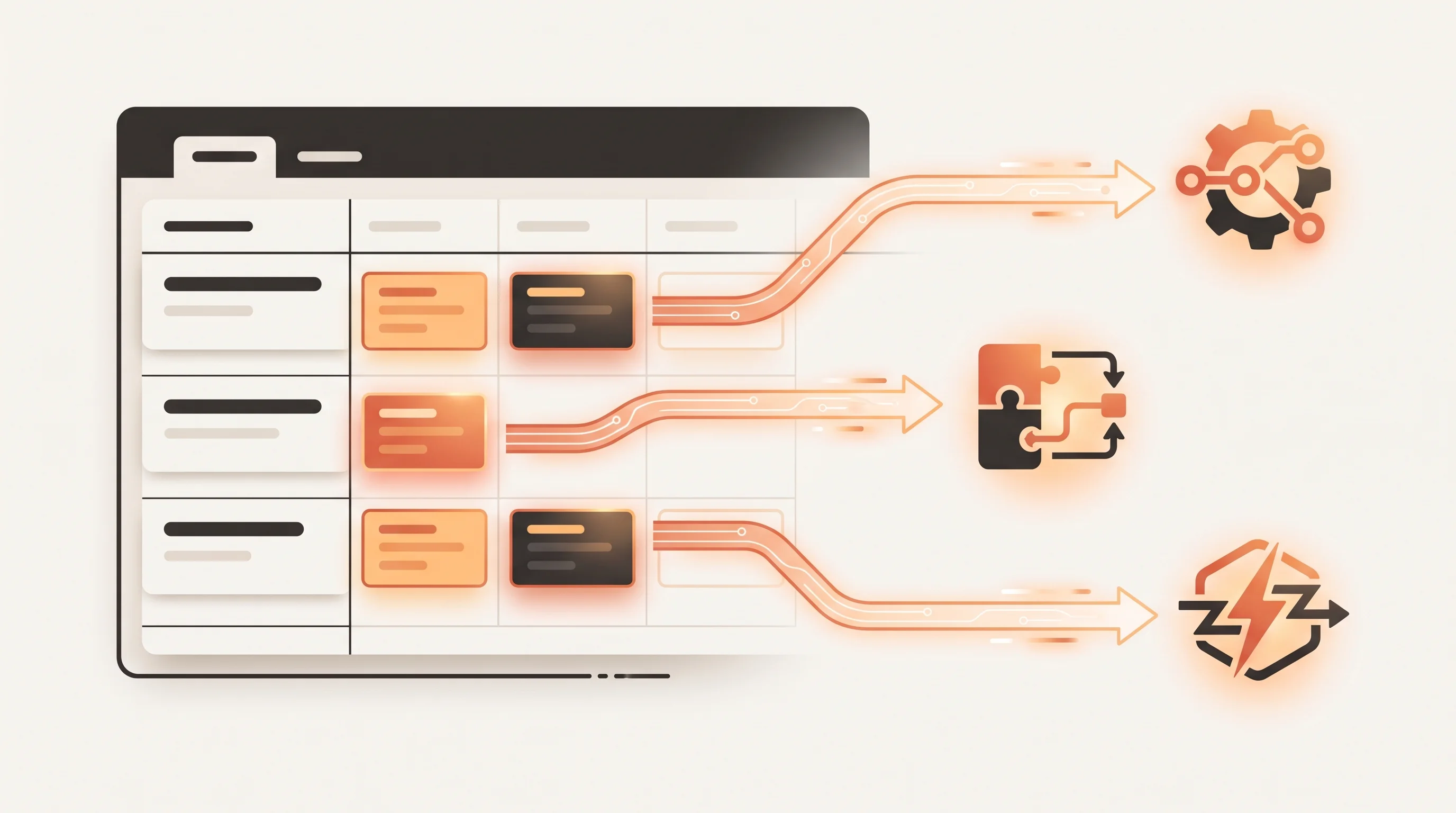
It is also where reporting overlaps with broader workflow automation - because the same pipeline that assembles a report can trigger the next action: update a record, notify an owner, kick off a follow-up. A report that ends in an action is worth ten that end in an inbox.
The one rule for automated reporting
If you take a single line from this, take this one:
Automate the report only after you can trust the number and name the action it drives.
The tool is a scheduler. It will faithfully deliver whatever you point it at - including garbage, on time, forever. What makes automated reporting pay off is not the platform you pick on Step 4. It is the clean data underneath it and the decision waiting on the other end.
Get those two right and almost any tool will work. Get them wrong and the best tool on the market just helps you fail on schedule.
If you want that built properly - the clean single source of truth, the scheduled digests people actually read, and the threshold alerts that reach the right person the moment a number moves - that is exactly what our analytics team sets up. Send over the one report you dread rebuilding every week; we will show you what it looks like when it builds and delivers itself.