Here is the number that should change how you shop for automation software: McKinsey estimates that about 45 percent of the activities people are paid to do can be automated with technology that already exists. Not 45 percent of jobs - 45 percent of the tasks inside them.
That single figure reframes the whole business process automation software decision. If nearly half of what your team does by hand is automatable in principle, the constraint is not whether the technology can do it. The constraint is choosing the right process to point it at, and knowing whether that specific process will pay back.
Almost every guide to business process automation software gets this backwards. They open with a definition, list the same benefits, then rank ten tools by feature grid. That is the least important decision. The tool matters far less than the process you choose and the payback math behind it - and that is exactly the part the roundups skip.
This guide fixes that order. Pick the process first, run the math, then shop.
What business process automation software actually is
Business process automation (BPA) software runs a multi-step business process end to end with little or no manual work. It moves data between systems, applies your rules, and routes tasks to the right person or system without someone copying and pasting between tabs.
Three terms get tangled here, so it is worth drawing the lines:
- Workflow automation connects apps and fires a defined sequence of steps. It is often the engine inside a BPA project.
- RPA (robotic process automation) mimics human clicks and keystrokes to drive old systems that have no API.
- Business process automation is the umbrella goal: automate a whole process. It usually uses workflow automation, RPA, and rules together.
You do not buy "BPA" as a single product category so much as assemble it. That is why picking a tool first is the wrong move - you cannot choose the engine before you know the road.
The decision the roundups skip: which process first
The reason automation projects stall is almost never the software. It is that someone automated the wrong process first - a messy, low-volume, constantly-changing one - and spent more time babysitting the automation than the manual version ever cost.
Good candidates share four traits. Score each process you are considering from 1 to 5 on all four:
- Volume. How often does it run? A process that runs 500 times a month has 500 times the payback of one that runs monthly.
- Rule clarity. Can the decisions be written as if-this-then-that rules? Fuzzy judgment calls are where automations break.
- Exception rate. What fraction of runs are weird one-offs? High-exception processes need constant human rescue, which erases the savings.
- Stability. Has the process changed in the last six months? Automating a moving target means rebuilding the automation every time it moves.
Add the four scores. Anything at 16 or above is a strong first candidate. Anything under 10 is a trap - fix the process manually before you automate it. This scorecard takes ten minutes per process and it is the single most useful thing you can do before opening a vendor's website.
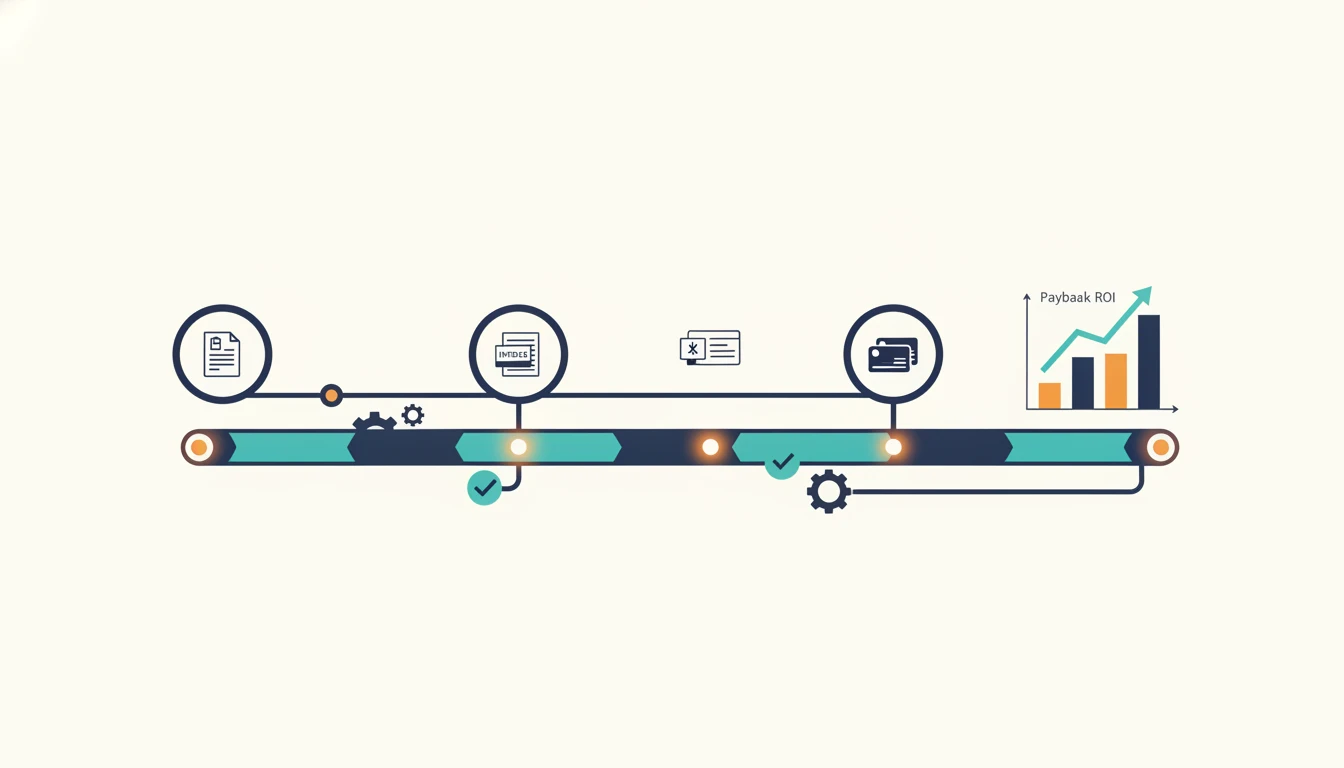
Now run the payback math
Once you have a high-scoring process, model its payback before you commit to any tool. The formula is simple:
- Monthly hours saved = runs per month x minutes saved per run / 60
- Monthly value = monthly hours saved x fully loaded hourly cost of the person doing it
- Payback months = (software cost + implementation cost) / monthly value
Here is example math, clearly labeled as illustrative. Say an invoice-approval process runs 400 times a month, each run takes 6 minutes of manual routing you can cut to near zero, and the person doing it costs 35 dollars an hour loaded.
- Hours saved: 400 x 6 / 60 = 40 hours a month
- Monthly value: 40 x 35 = 1,400 dollars a month
- If the tool is 50 dollars a month and setup is a one-time 3,000 dollars, payback = 3,050 / 1,400, or roughly 2.2 months.
That is a clear yes. Run the same math on a process that only runs 12 times a month and the payback stretches past a year, which is often a no.
This matters because payback is real and it is not instant at scale. Deloitte's global survey of automation programs found the average payback period had risen to around 22 months, even as 74 percent of respondents were already implementing RPA and expected roughly 31 percent cost reduction over three years. The programs that beat that average are the ones that picked high-volume, rule-clear processes first. The scorecard and the payback math are how you land on the right side of that number.
Reading the price tag honestly
The sticker price is the smallest part of the cost, and vendors split into two camps on how they show it.
Lightweight, self-serve platforms publish pricing openly. As real examples you can check today, Zapier's paid plans start around 19.99 dollars a month for its Professional tier, and Make's Core plan starts around 12 dollars a month. These are genuine BPA engines for many small and mid-market processes, and you can trial them without talking to anyone.
Enterprise BPA suites do the opposite: most publish no prices at all and route you straight to a sales call. That opacity is a signal, not an accident. When a vendor hides pricing, the license is usually a fraction of the real number once you add implementation, integration, and the internal time to maintain it.
So budget for total cost of ownership, not the license line:
- License or subscription (the number vendors advertise)
- Implementation and integration (often the biggest line for enterprise tools)
- Ongoing maintenance when your process or connected systems change
A 50-dollar-a-month tool with a 3,000-dollar setup and a 12-dollar-a-month tool with a 30,000-dollar rollout are not remotely the same purchase, even though the second one has a lower sticker.
Where the category is heading
The reason this decision is getting more valuable, not less, is that the tooling is shifting from rigid rule engines to AI-driven automation that can handle the fuzzy, high-exception processes that used to be off-limits. Grand View Research sizes the intelligent process automation market at 14.55 billion dollars in 2024, growing to a projected 44.74 billion by 2030, a 22.6 percent compound annual growth rate.
Practically, that means the "exception rate" line on your scorecard is loosening. Processes that scored a 2 on rule clarity a few years ago - the ones that needed human judgment on edge cases - are becoming automatable as AI agents get better at handling ambiguity. If you are building for the next three years rather than the next quarter, that is worth factoring into which processes you queue up.
If you want a sense of what modern, connected automations look like in practice, our roundup of real workflow automation examples walks through concrete builds by use case, and our guide to the best AI automation tools covers the AI-native end of the market.
From shopping list to shipped
Once you have scored your processes and run the payback math, you have something a feature grid can never give you: a ranked, costed list of exactly what to automate and in what order. That is the real specification. Handing that to a vendor - or a build partner - turns a vague "we should automate stuff" into a project with a number attached.
This is the work our workflow automation team does: we start from your process list, run the scorecard and payback math with your real volumes, then build the automations that clear the bar and skip the ones that do not. For processes that need judgment rather than rigid rules, that shades into our AI automation work, where an agent reads and writes across your systems instead of following a fixed script.
The one rule to shop by
If you take one thing from this, make it a rule you can apply this afternoon: never evaluate business process automation software until you have scored the process and run its payback. Pick the process with the highest volume, clearest rules, and lowest exception rate, prove it pays back inside a year, and only then open a vendor's pricing page. The tool is a detail. The process you point it at is the decision.